Career Forge // Career Forge

A different resume for every opportunity.

Start with your real experience, add the role, and generate a version focused on what that opportunity needs.

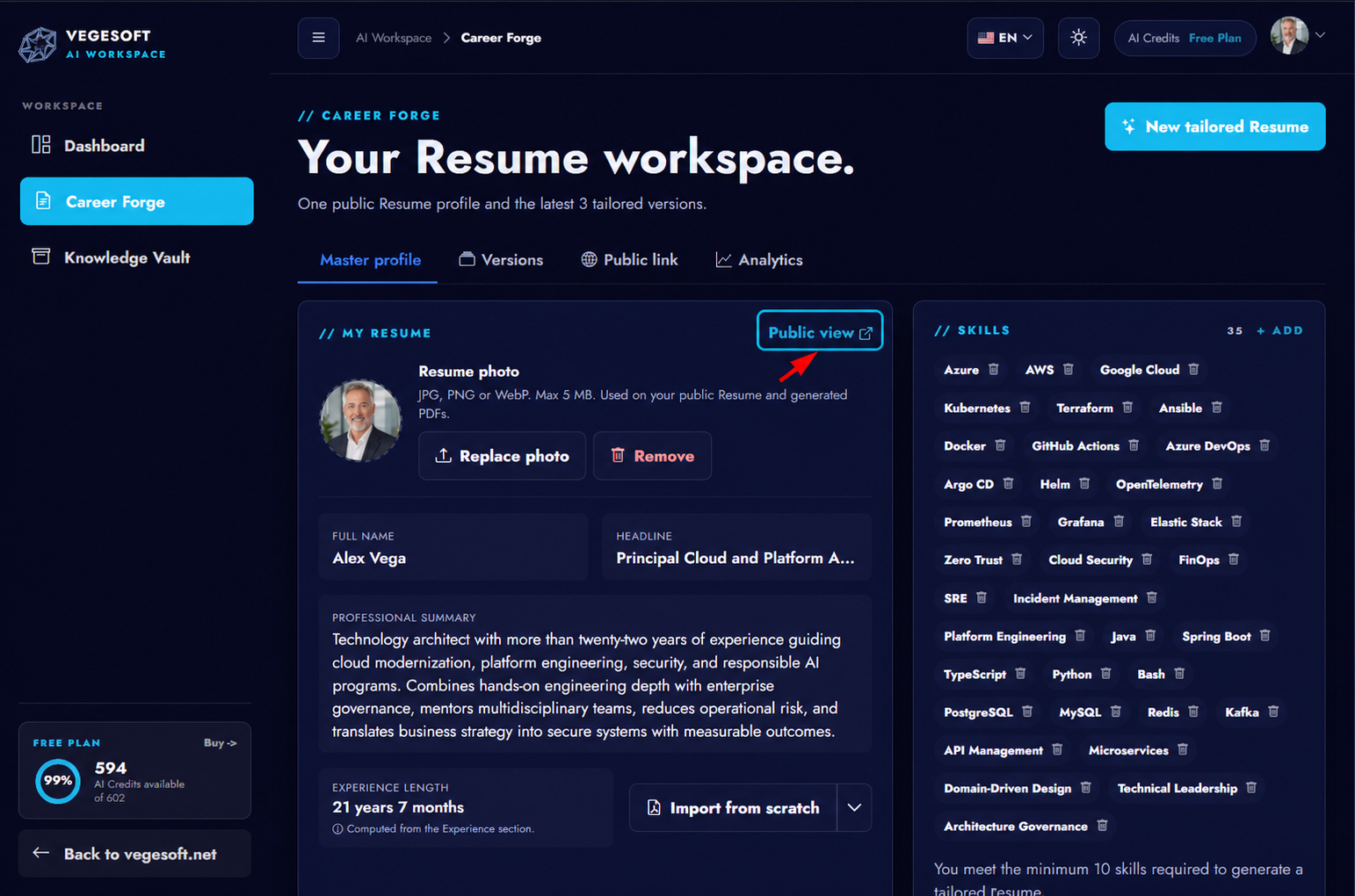
  • Master profile built from your real experience
  • Tailored versions organized by opportunity
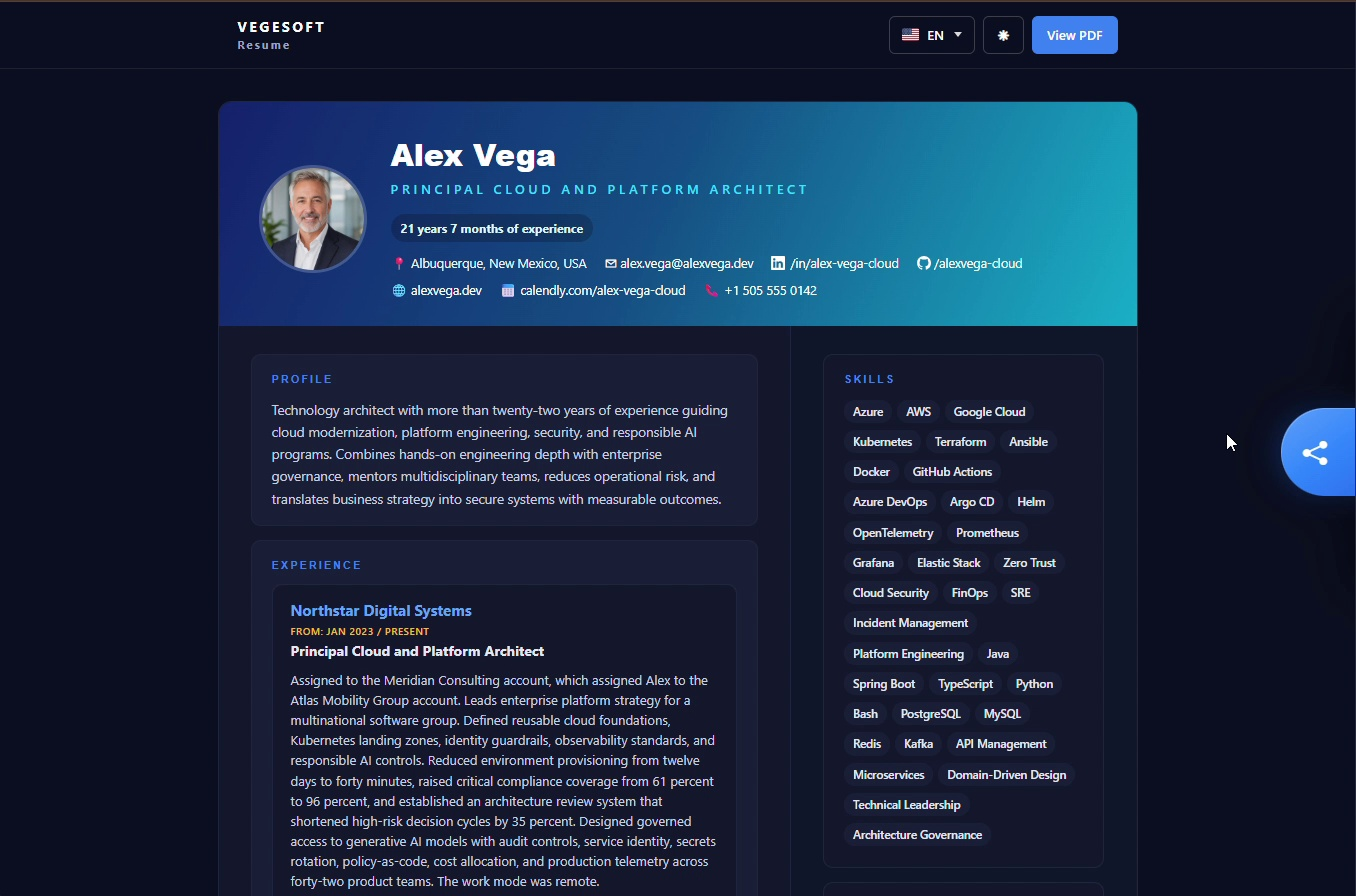
  • Public profile and analytics when you need them
AI-generated professional standing in a modern office
// The problem

A generic resume doesn't say the same thing for every role

Every opportunity values something different. Sending the same resume every time forces the reader to guess why you fit, and what matters gets lost among what doesn't apply.

  • Rewriting your resume by hand for each application is tiring and messy.
  • What's relevant for a role gets buried under everything else.
  • You end up with loose files and no idea which one you sent where.
// How it works

Four steps, one real flow

1

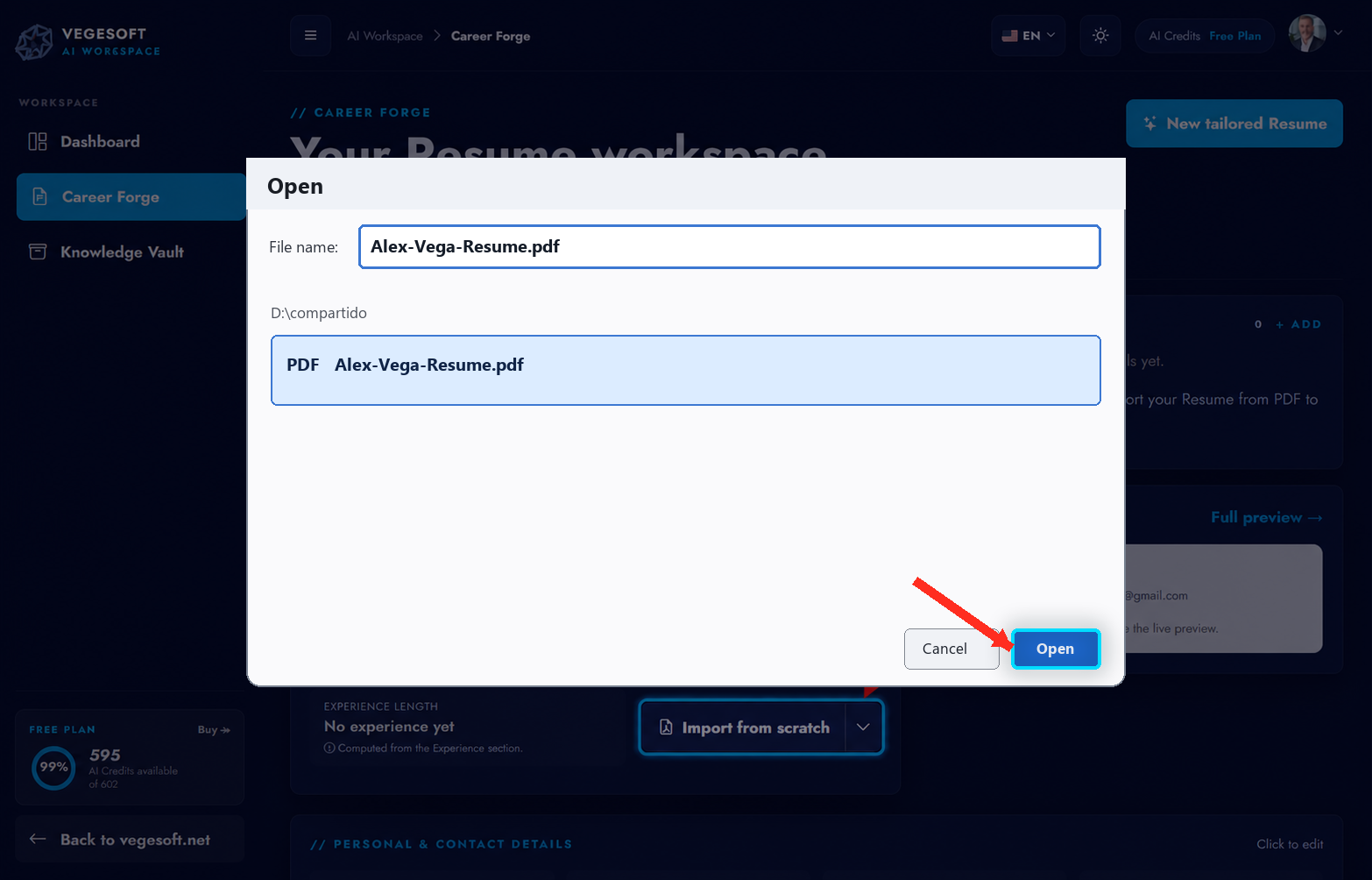
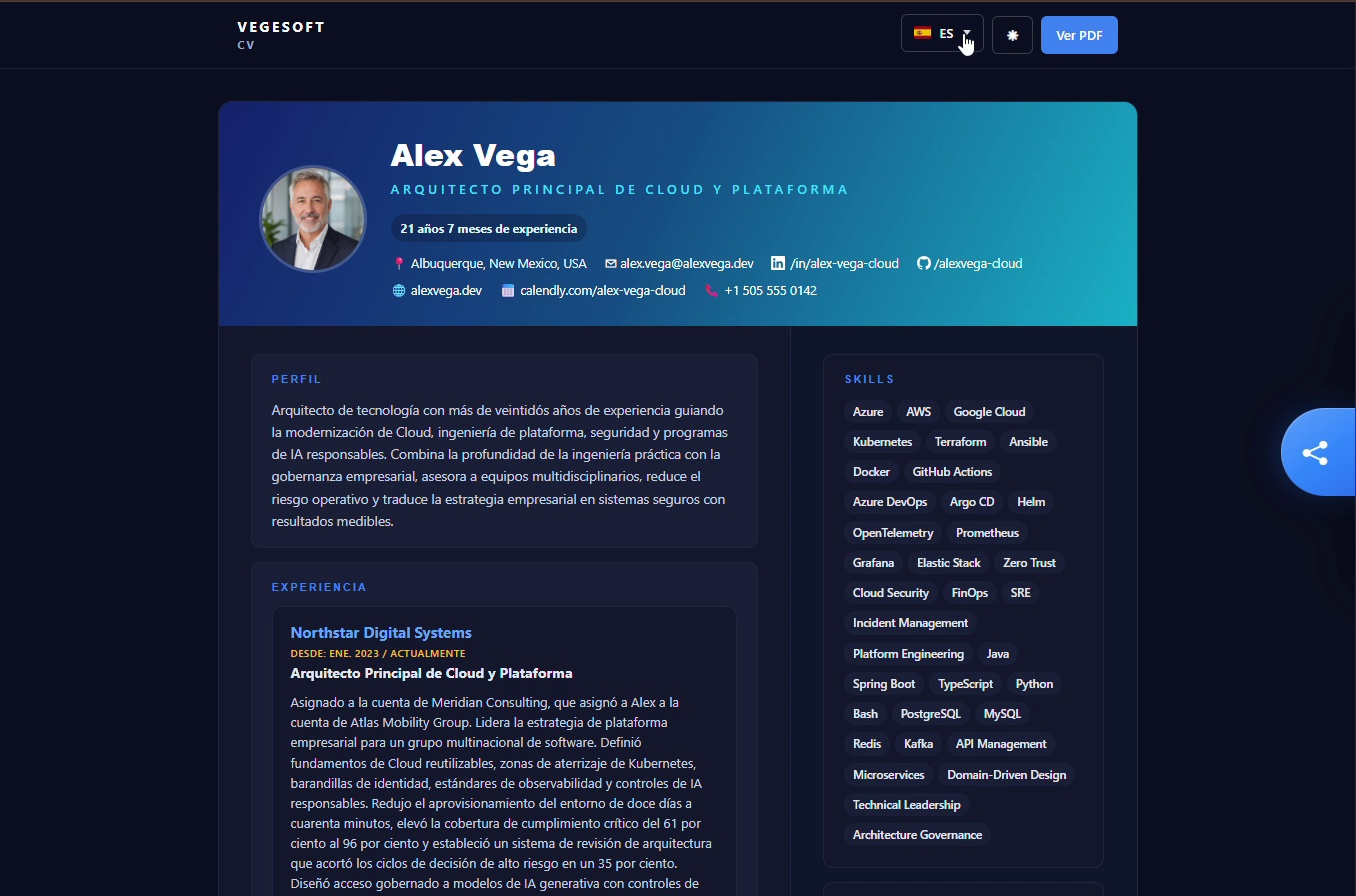
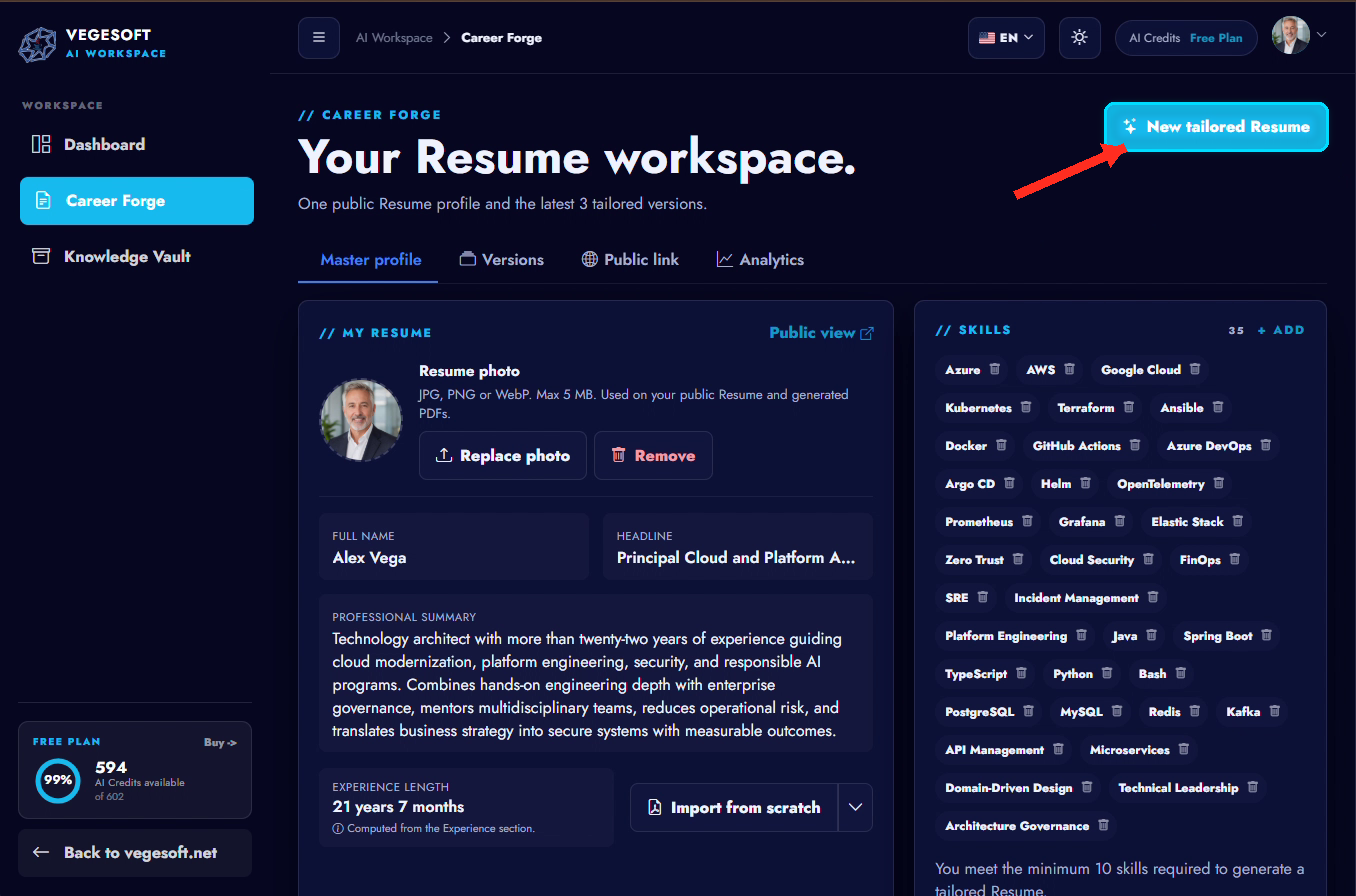
Import or complete your profile

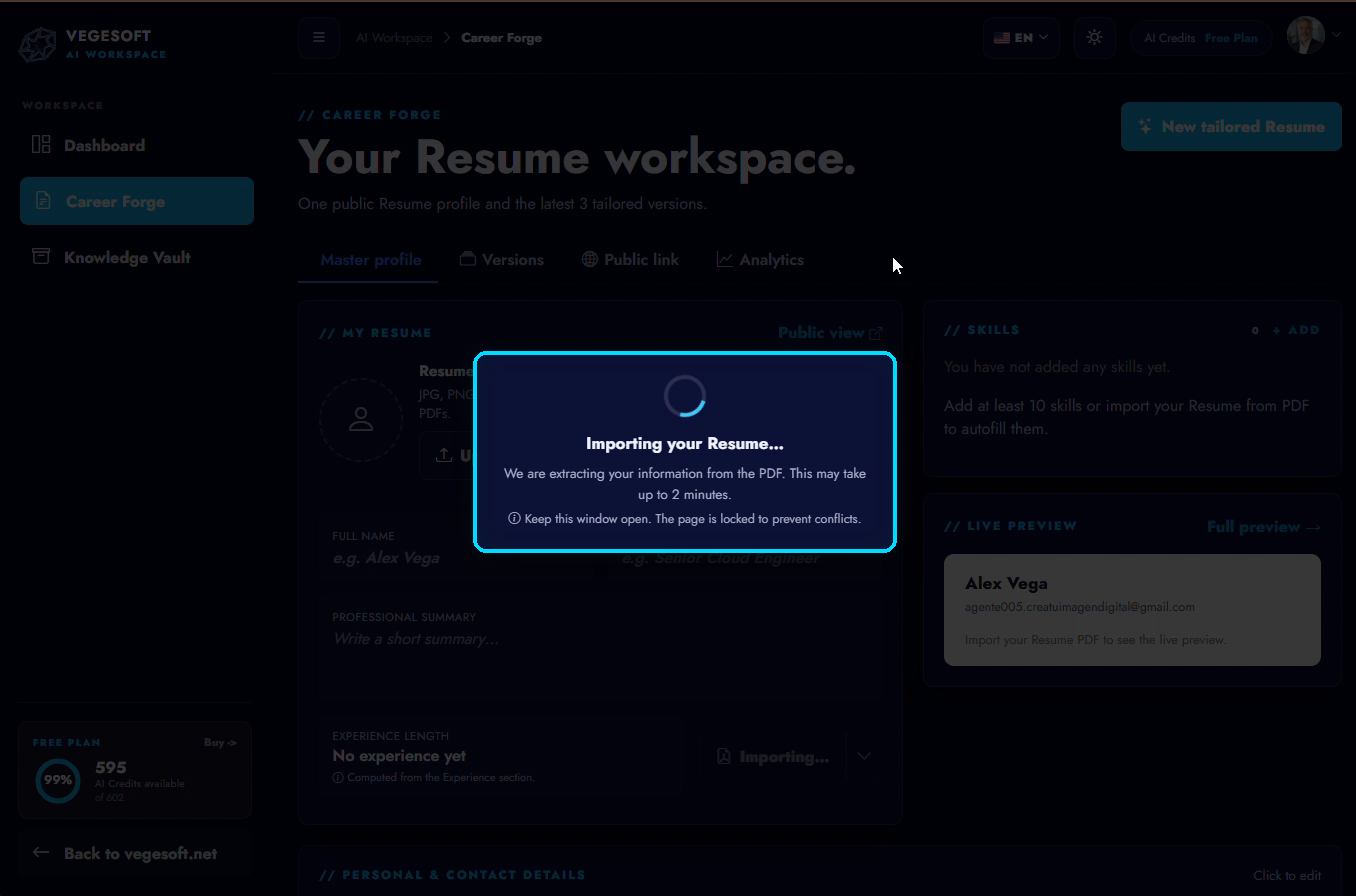
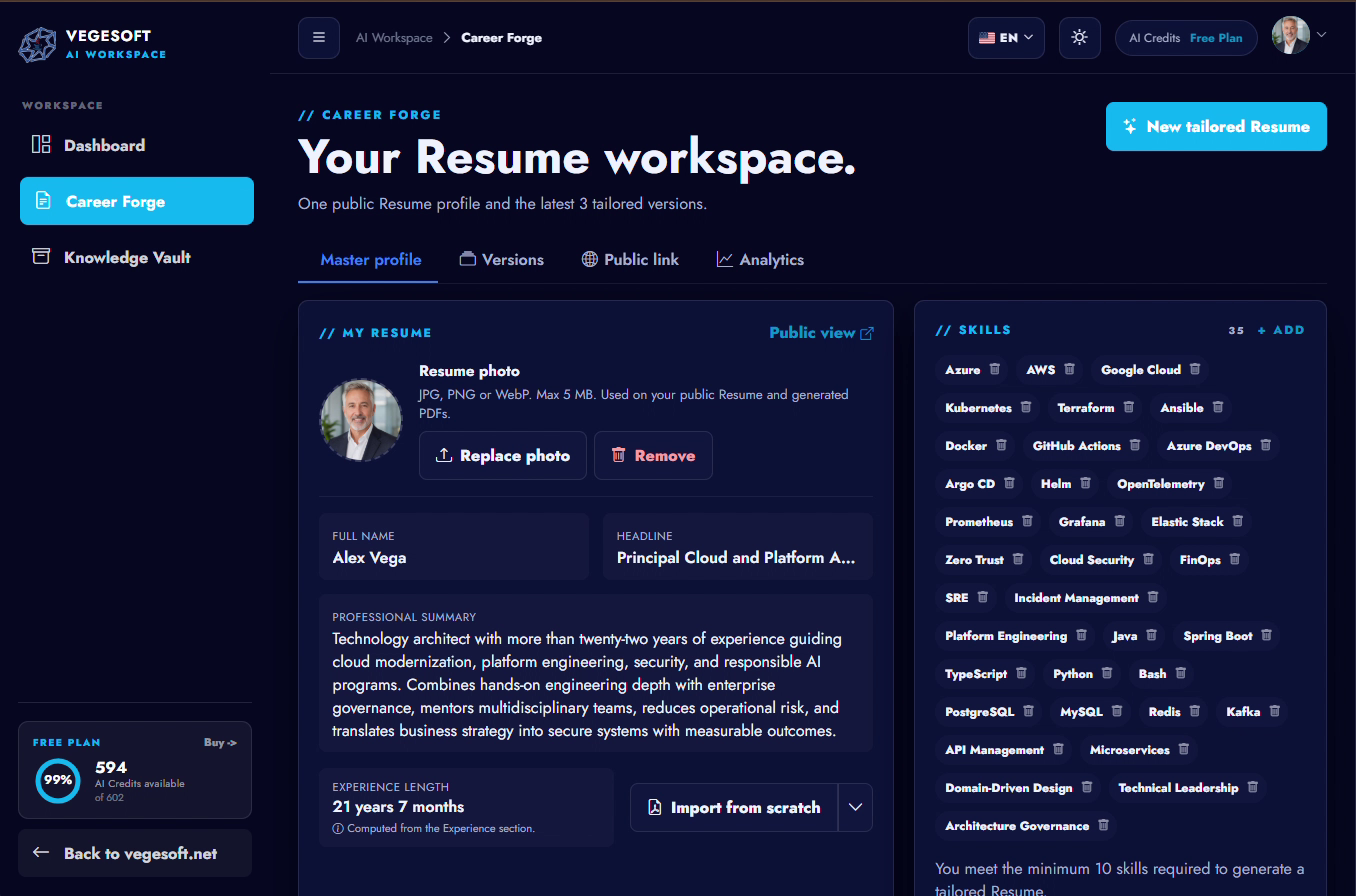
Upload a resume PDF or complete your master profile with your experience.

2

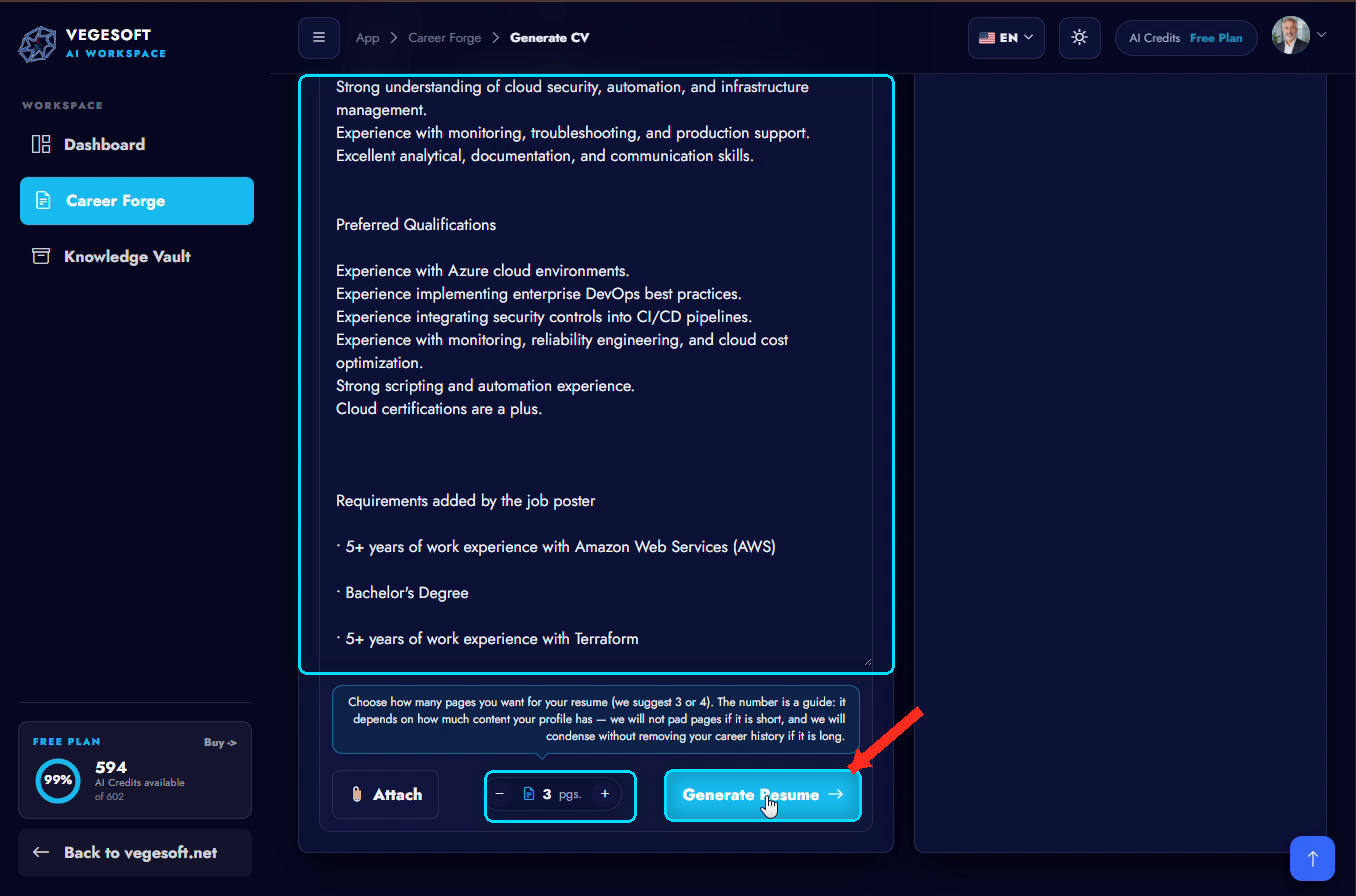
Add the role

Paste the job description: text, a link, or a screenshot.

3

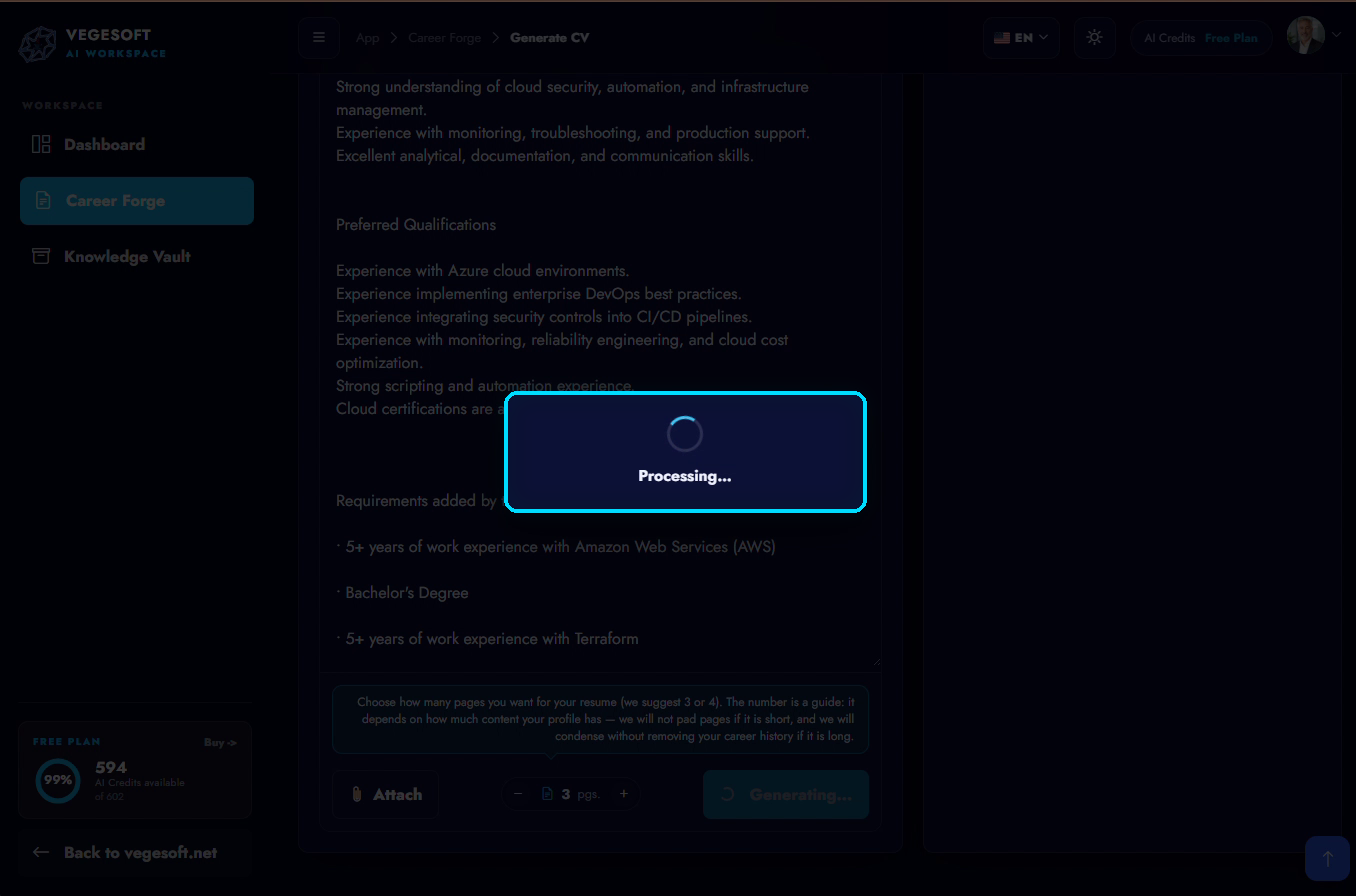
Generate your resume

Pick language and page count and generate the tailored version.

4

Review and save

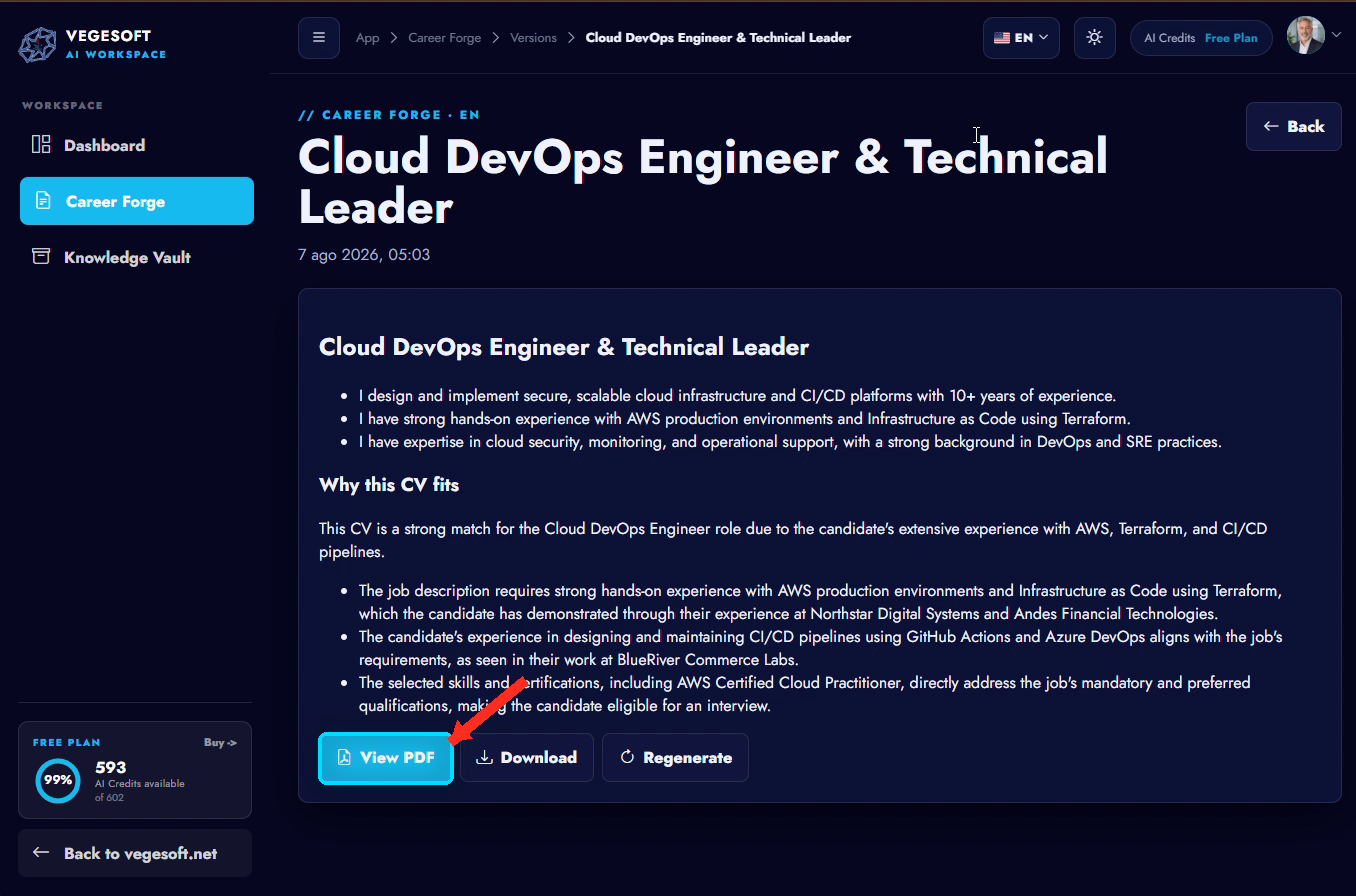
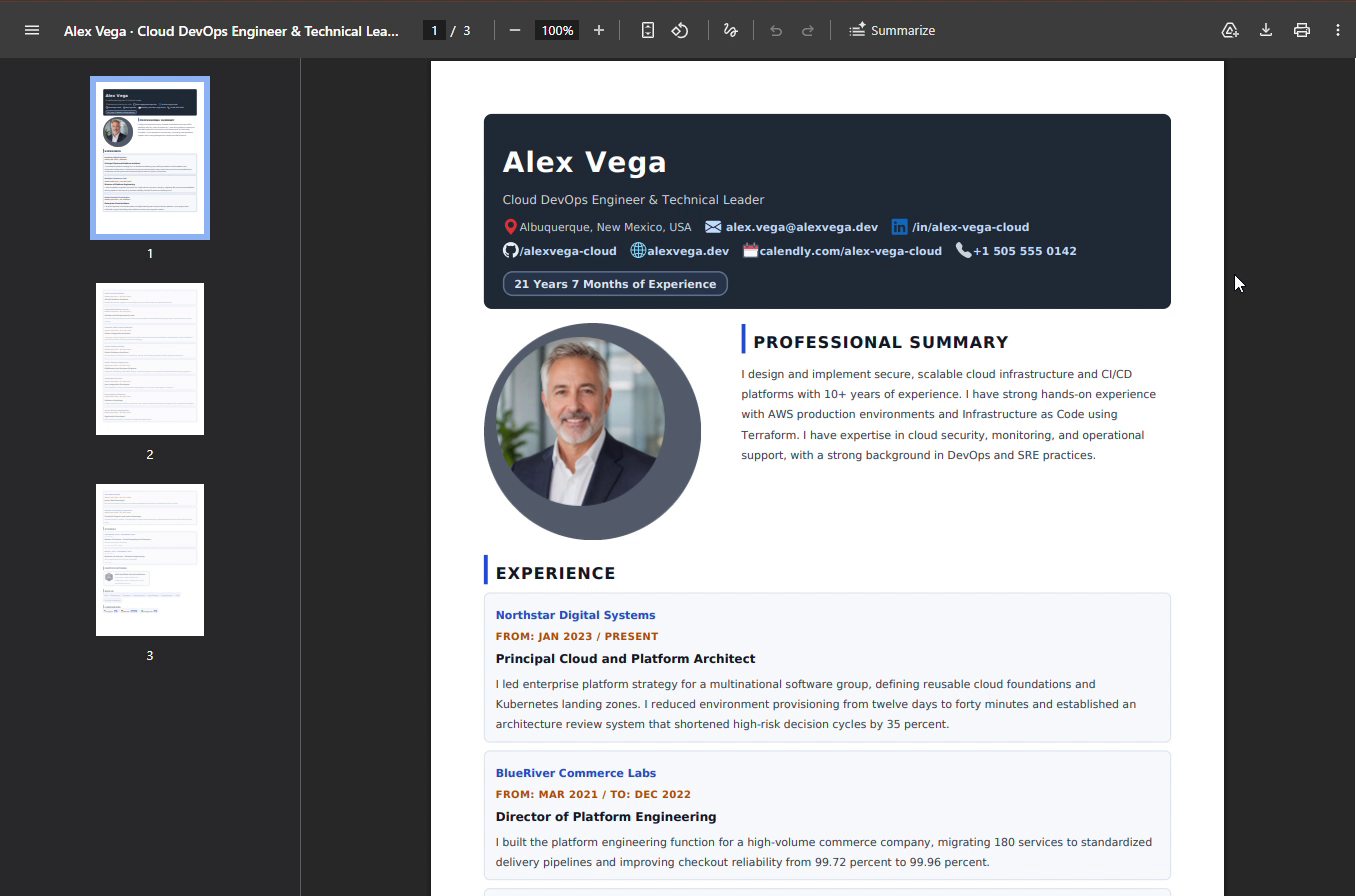
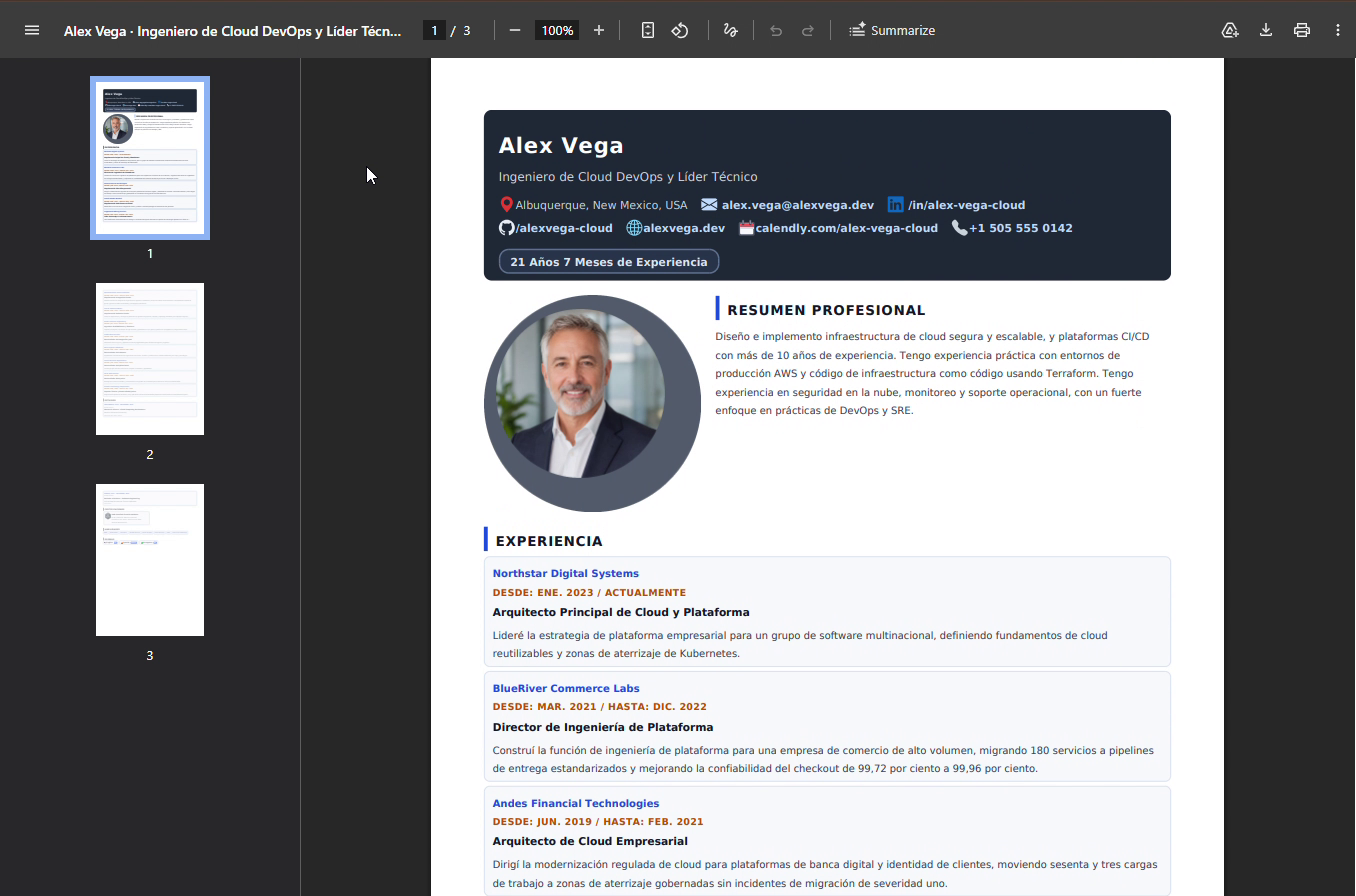
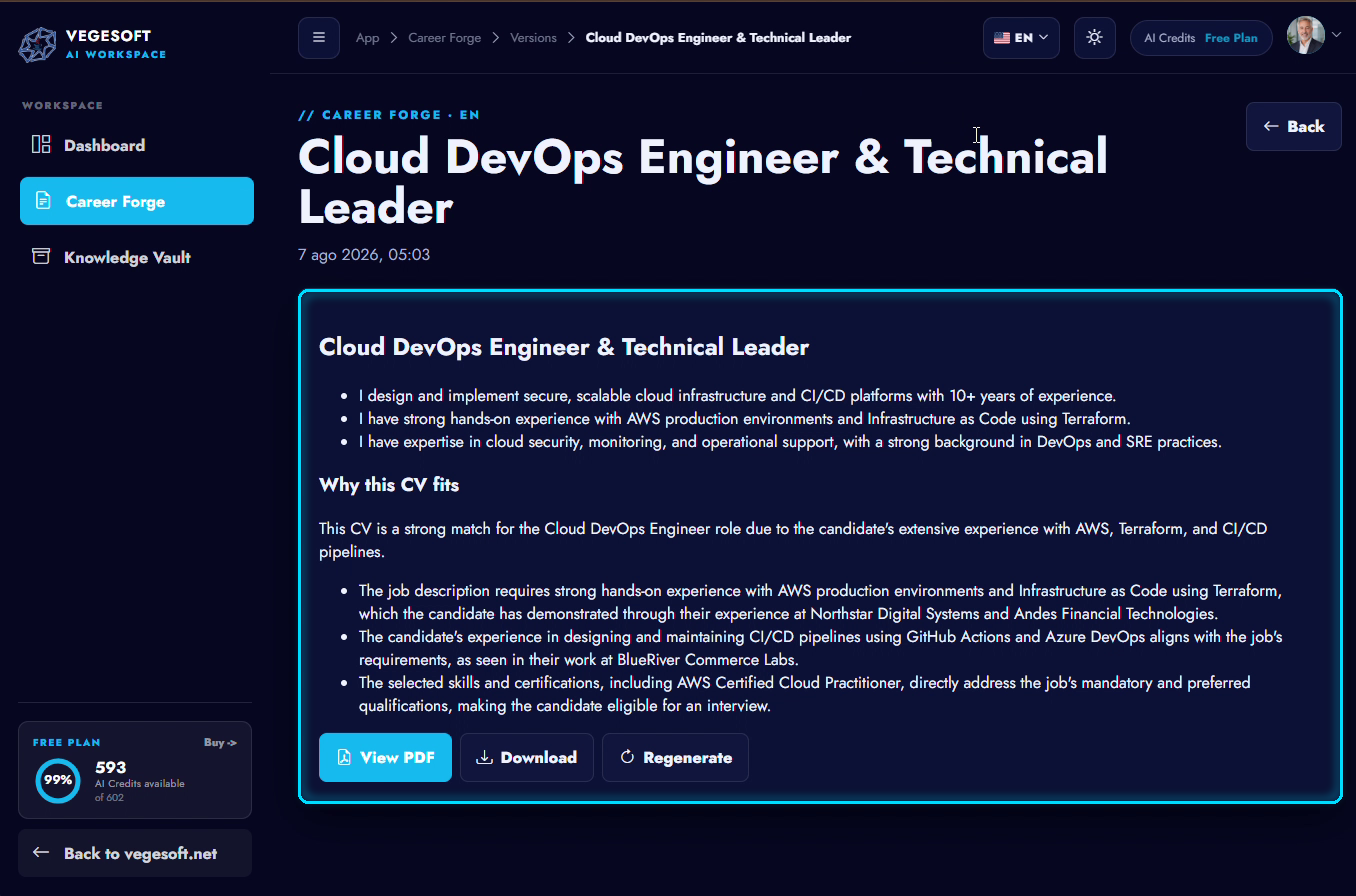
Preview, save the version, and download or share it.

// The complete journey

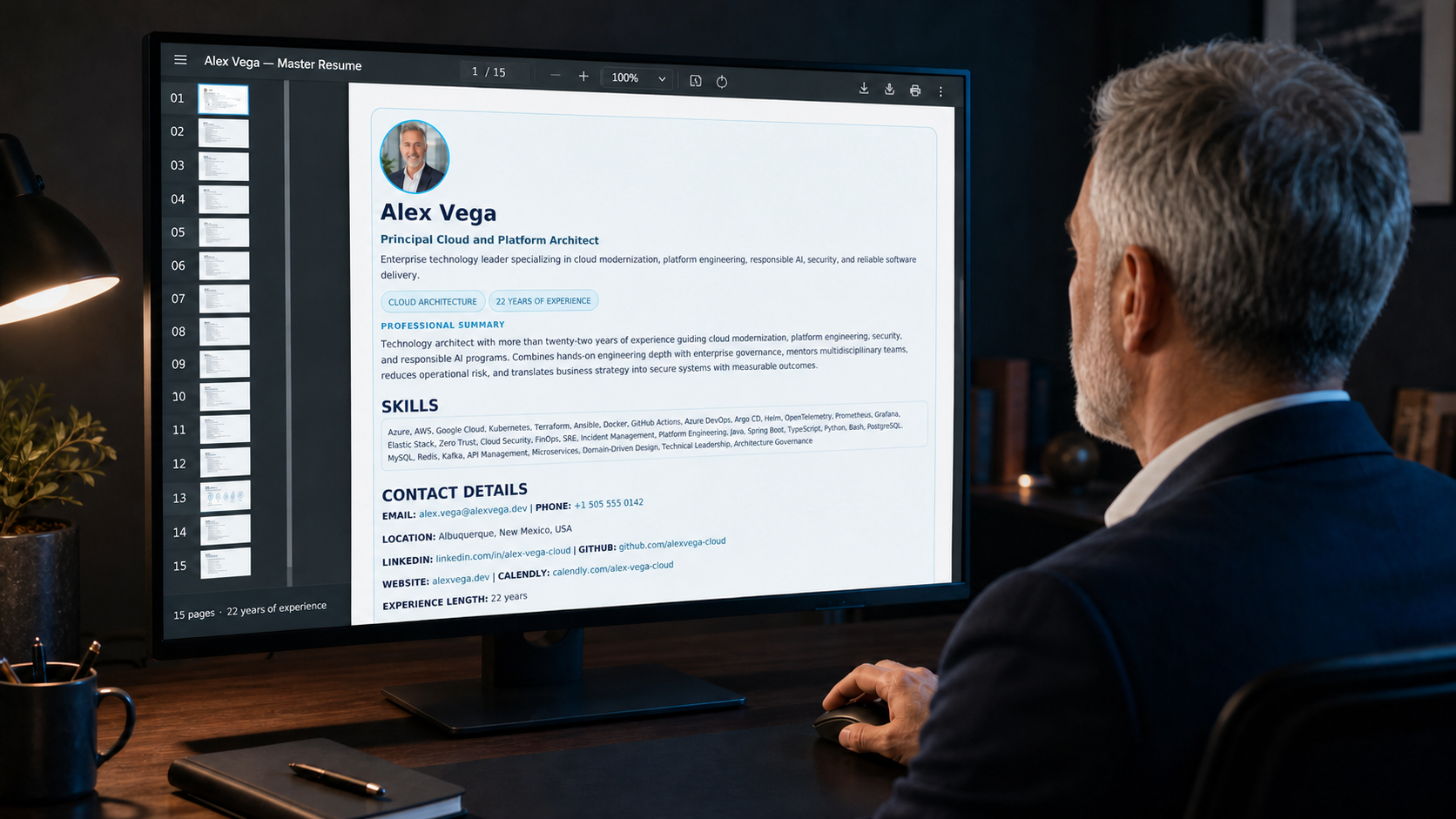
From a 15-page master resume to reusable tailored versions

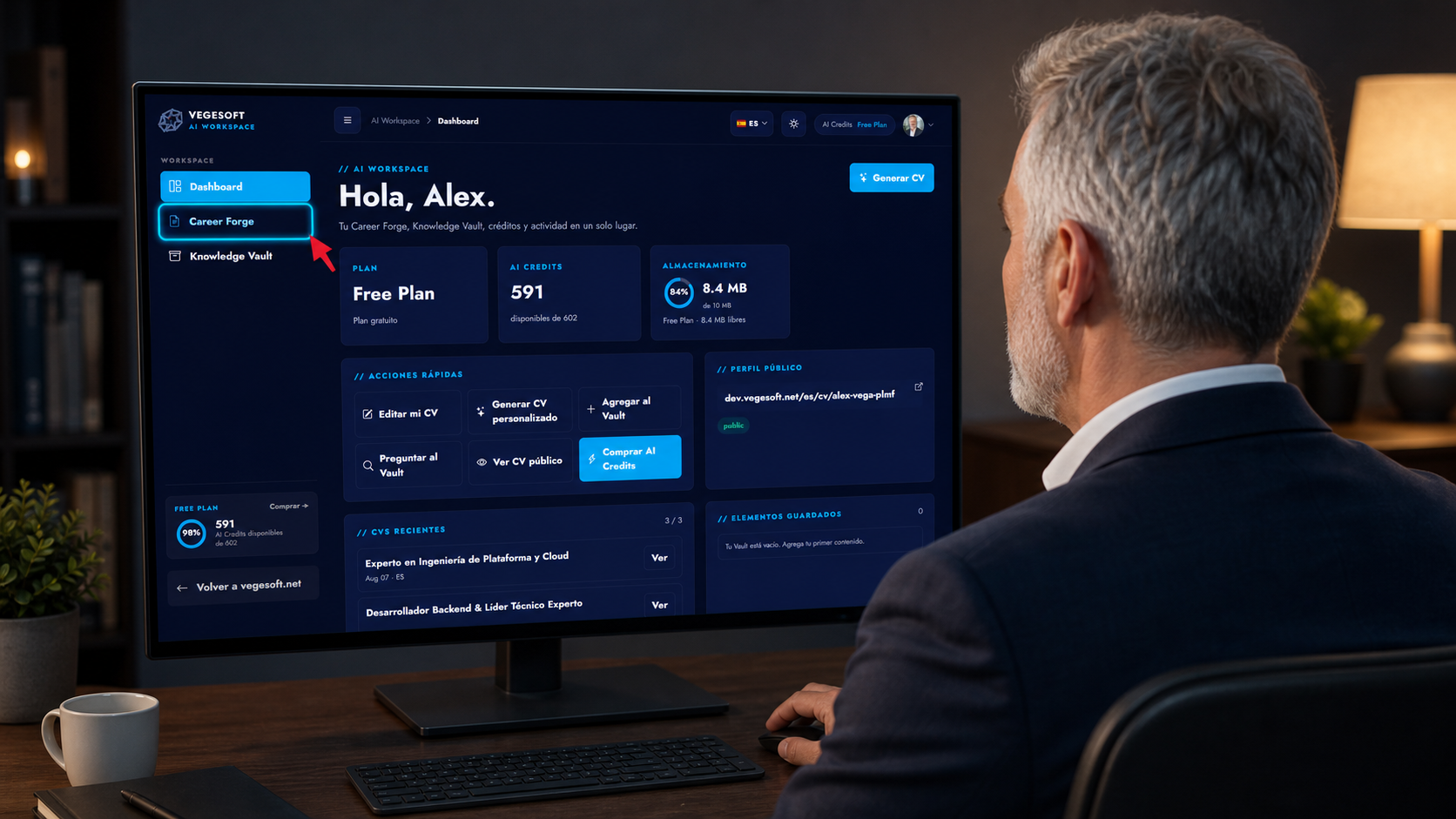
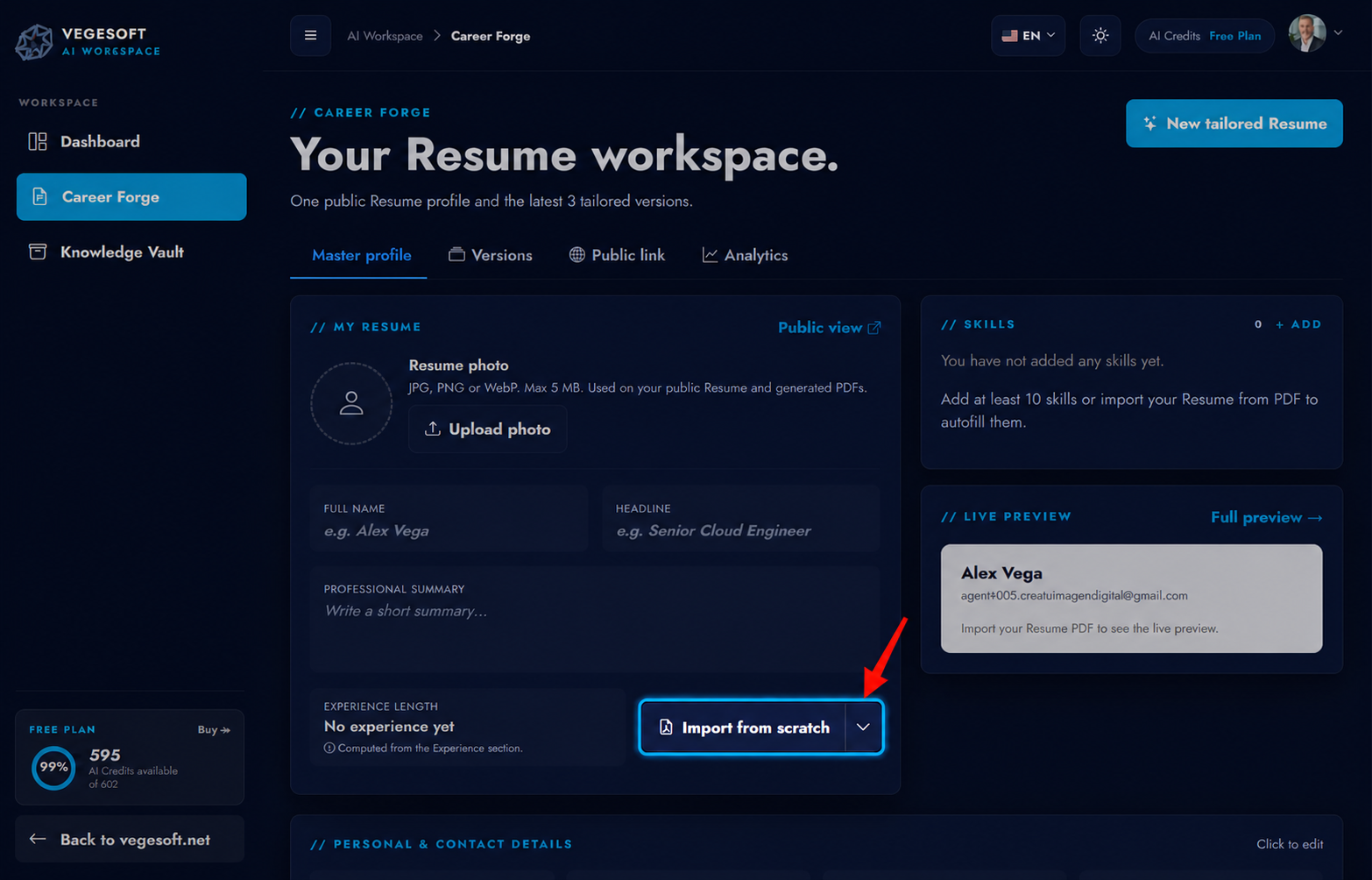
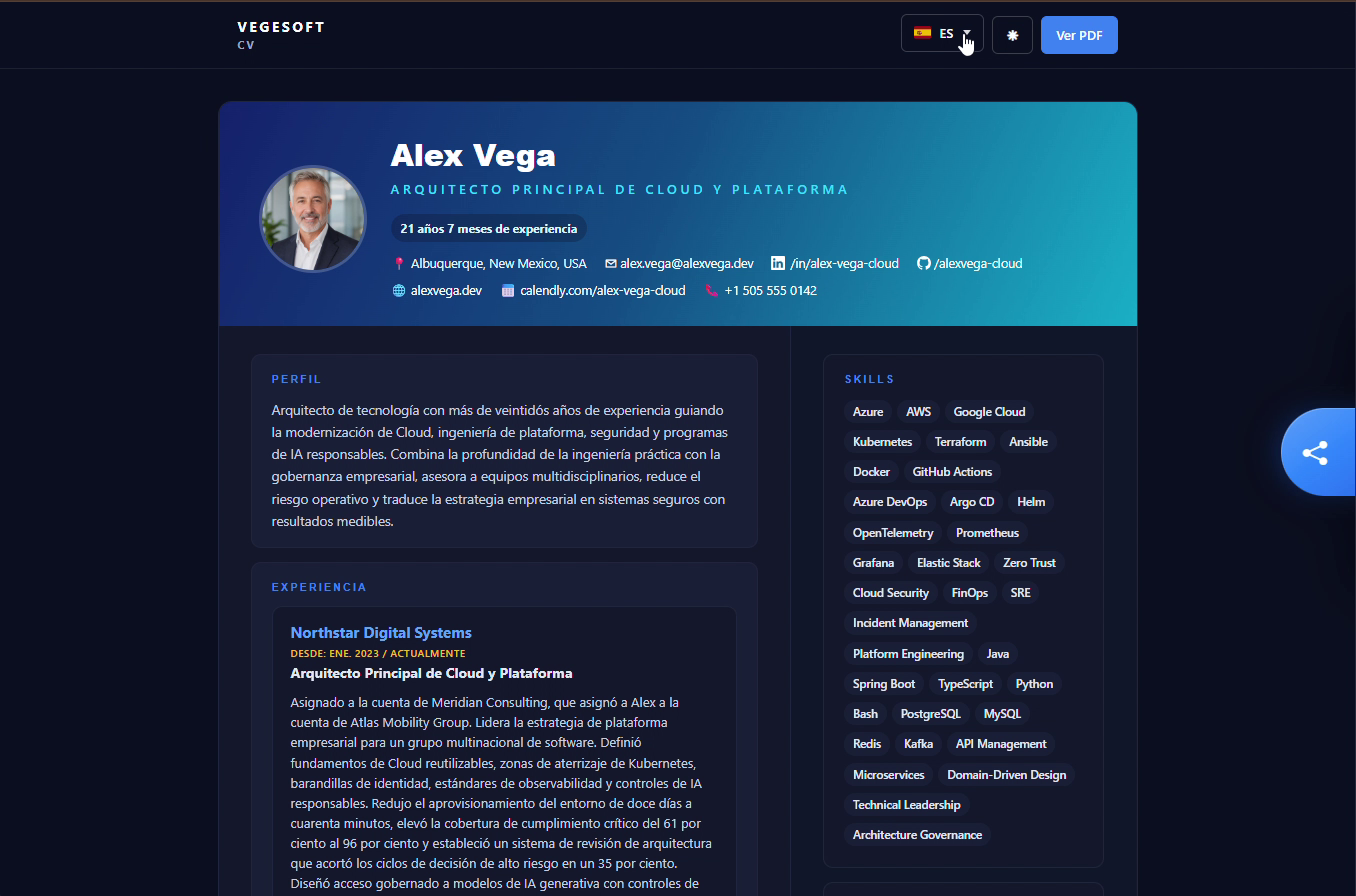
Follow the professional through the real Career Forge flow: enter AI Workspace, import, review, edit, publish in two languages, tailor, and reopen saved versions.

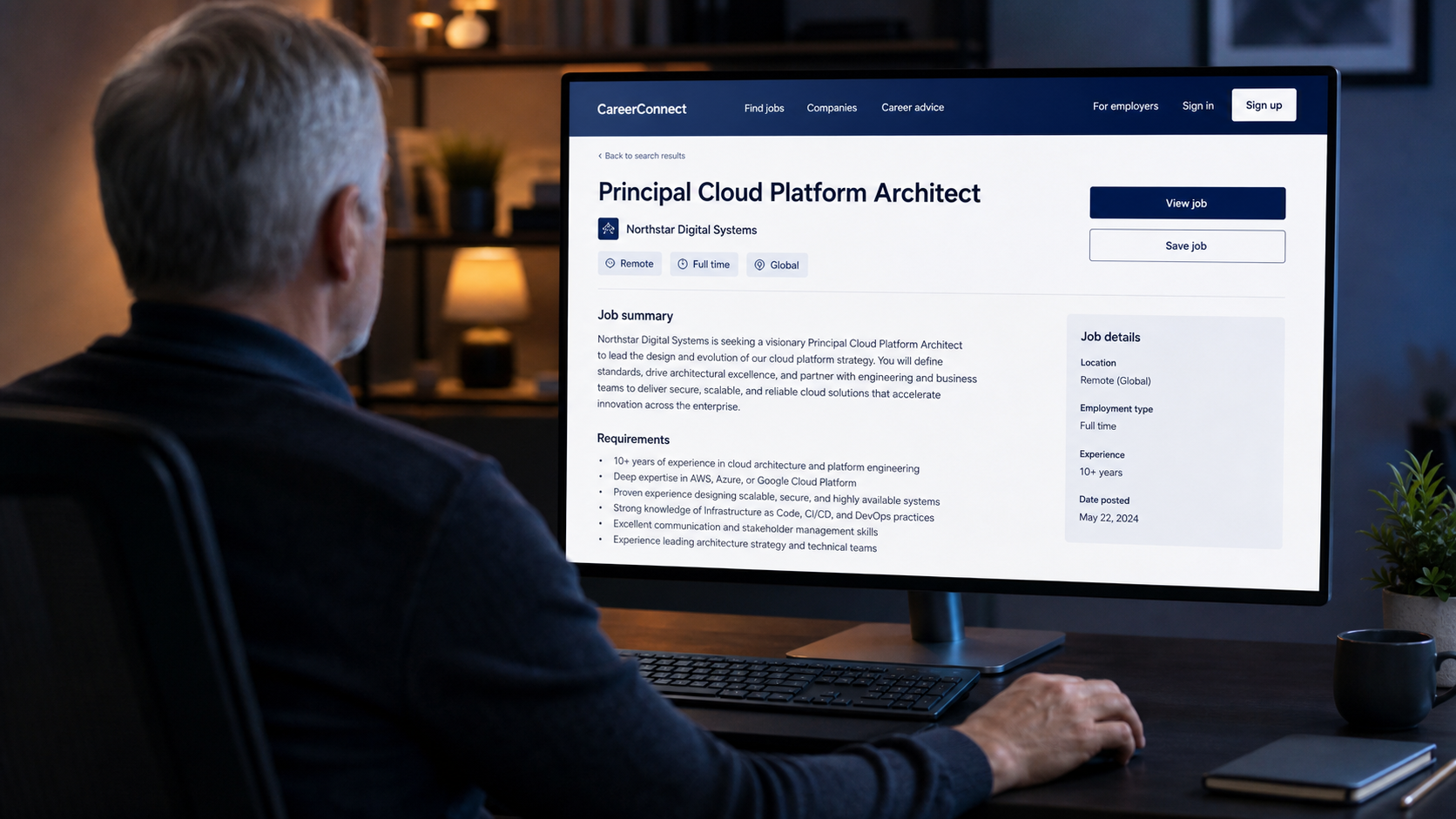
01 · Opportunity One concrete target
The professional reviewing a target job opportunity
01 / 22
// The product

From one master source to reusable versions

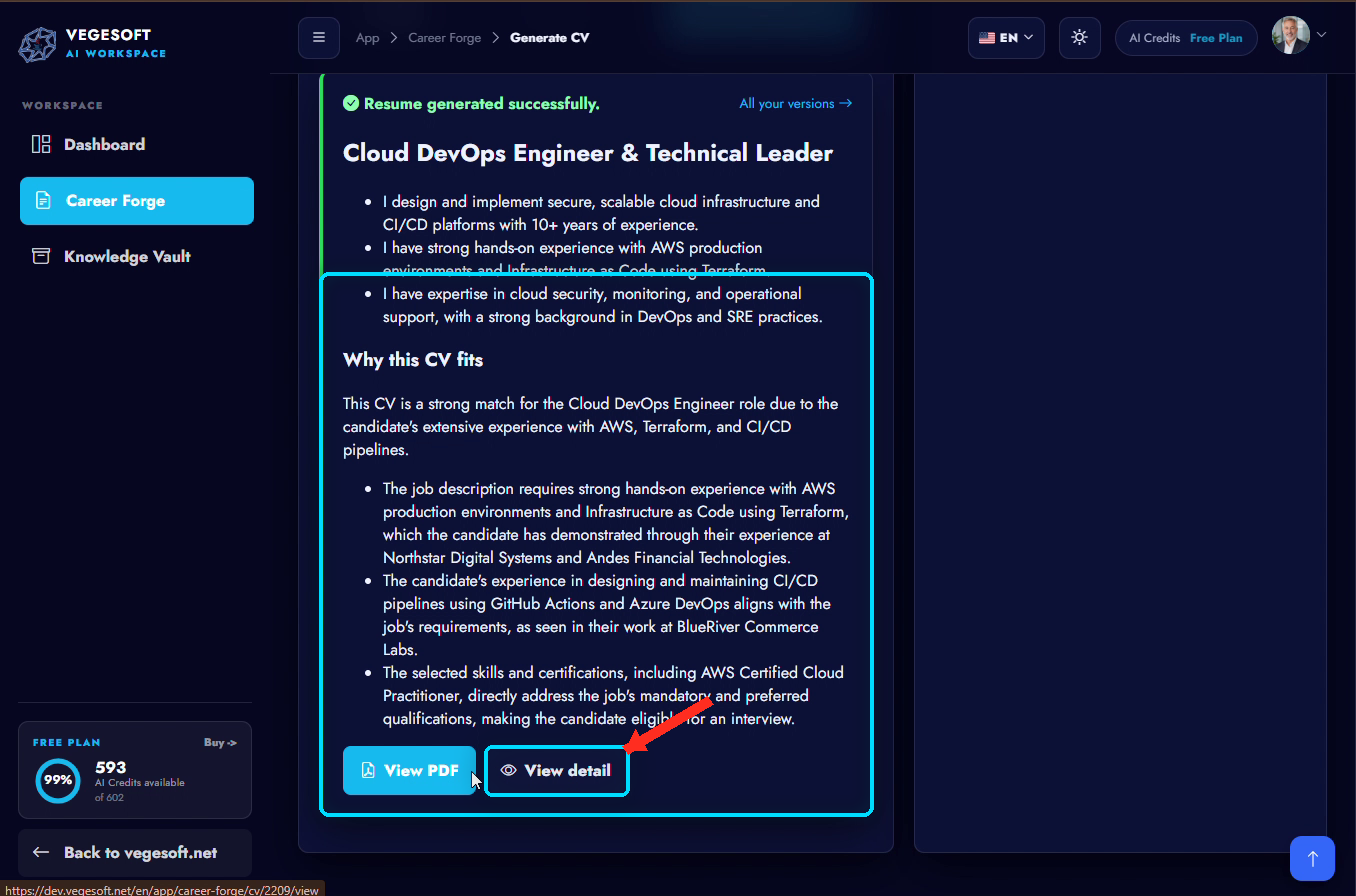
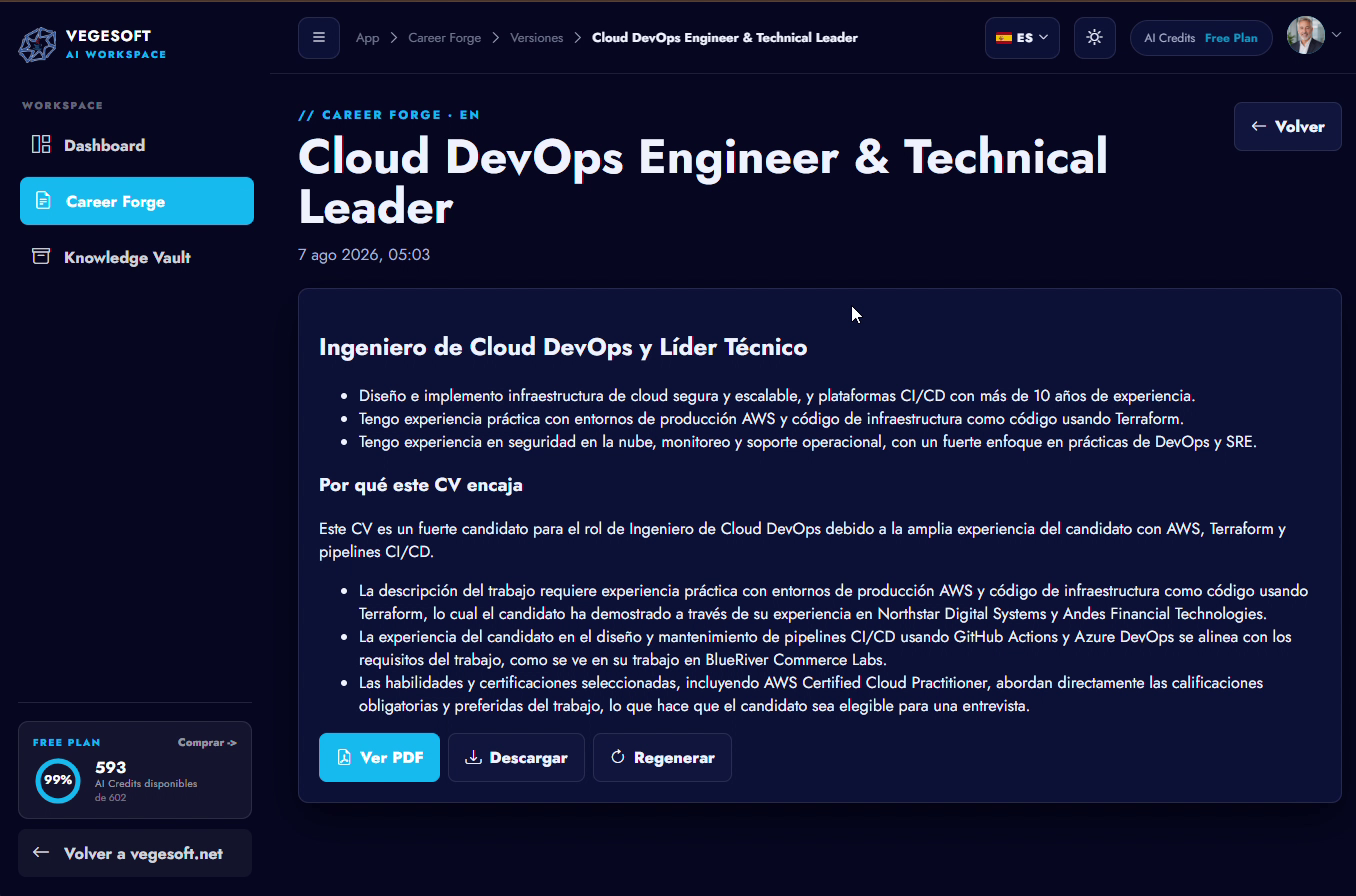
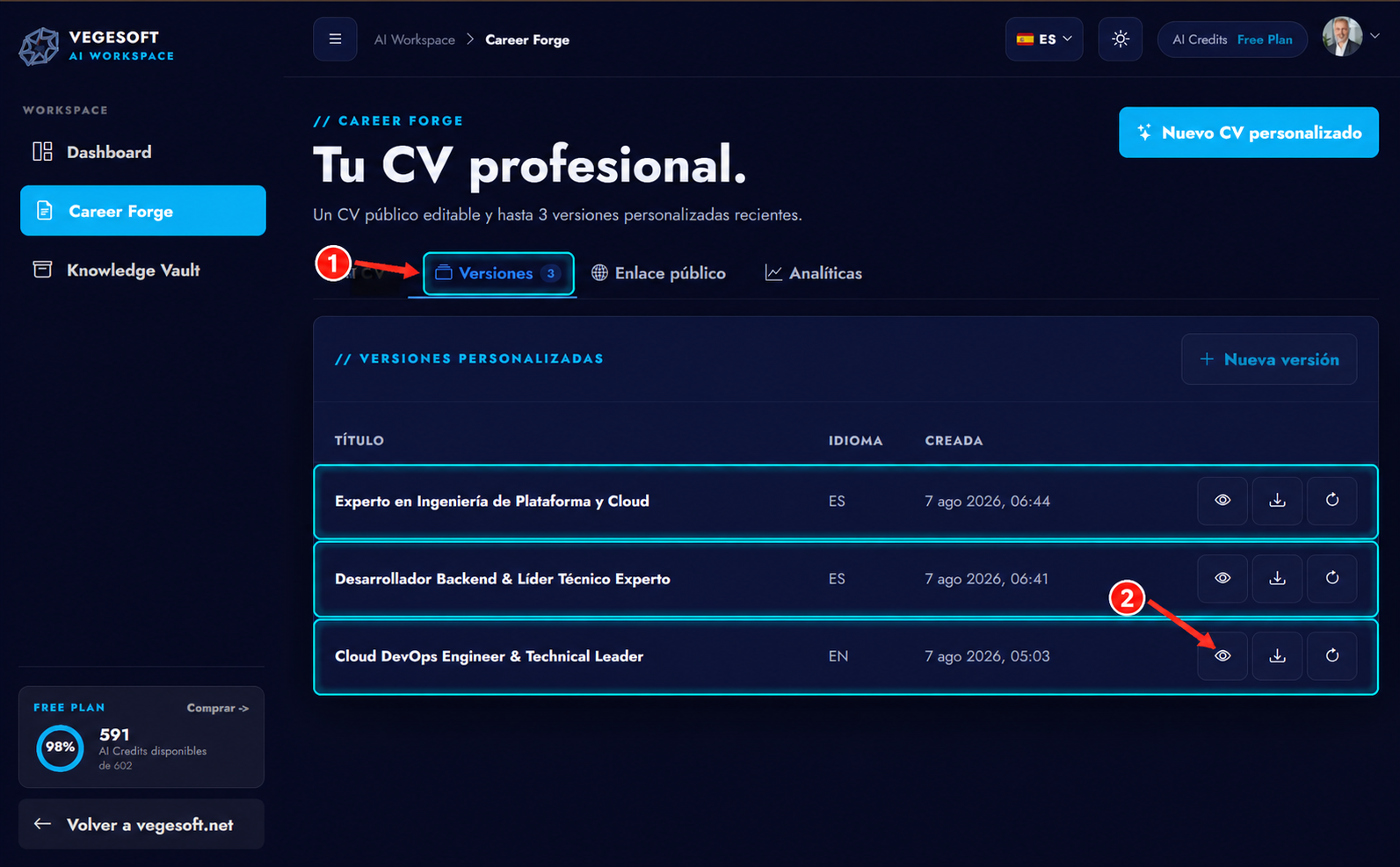
The complete flow ends with tailored versions that remain organized and ready to reopen, review, download, or regenerate.

Real saved-version state from the demonstrated product flow.
Saved tailored resume versions organized with actions to view, download, or regenerate
// Capabilities

Everything you can do, grouped by outcome

Start from what you have

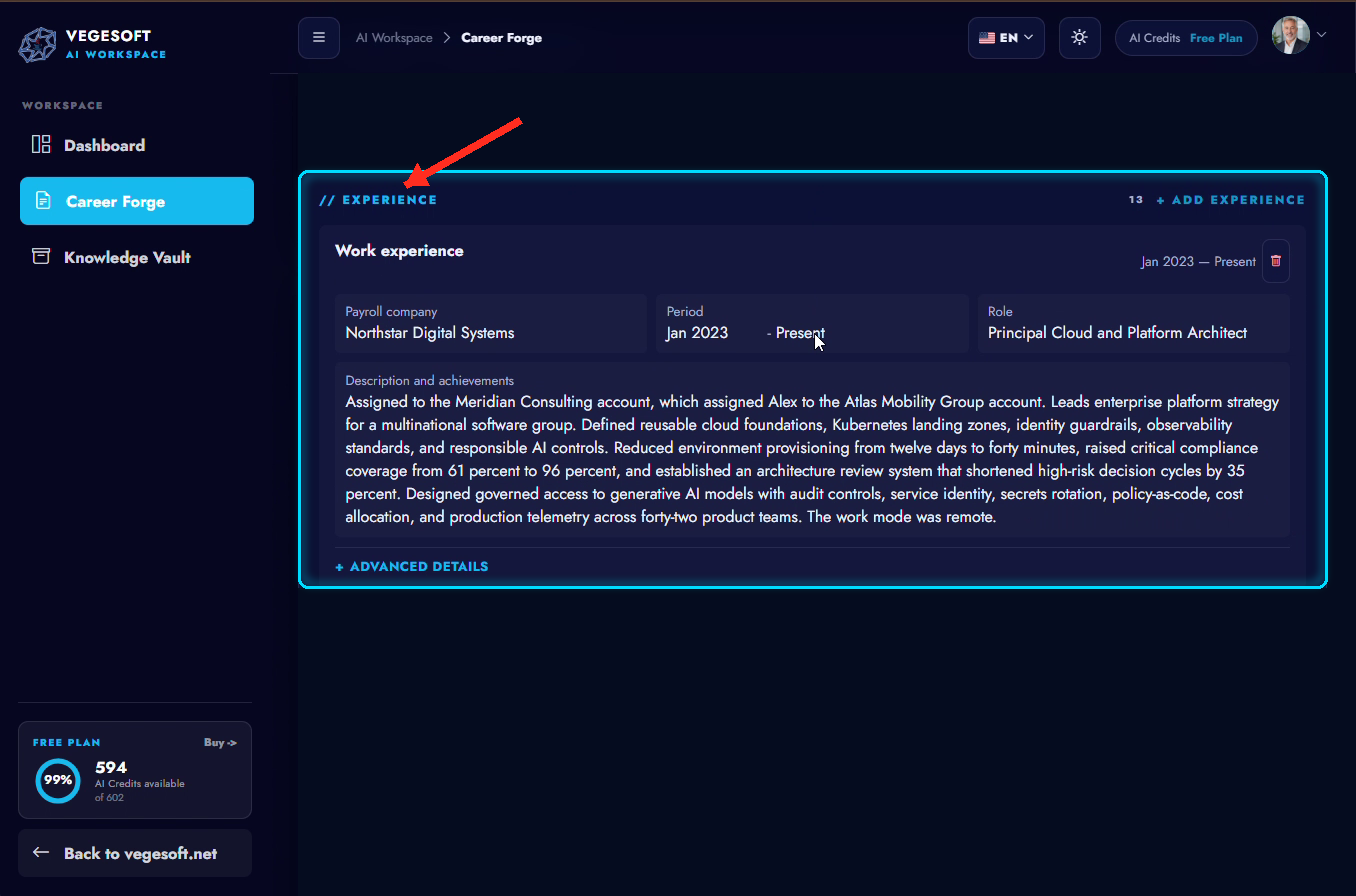
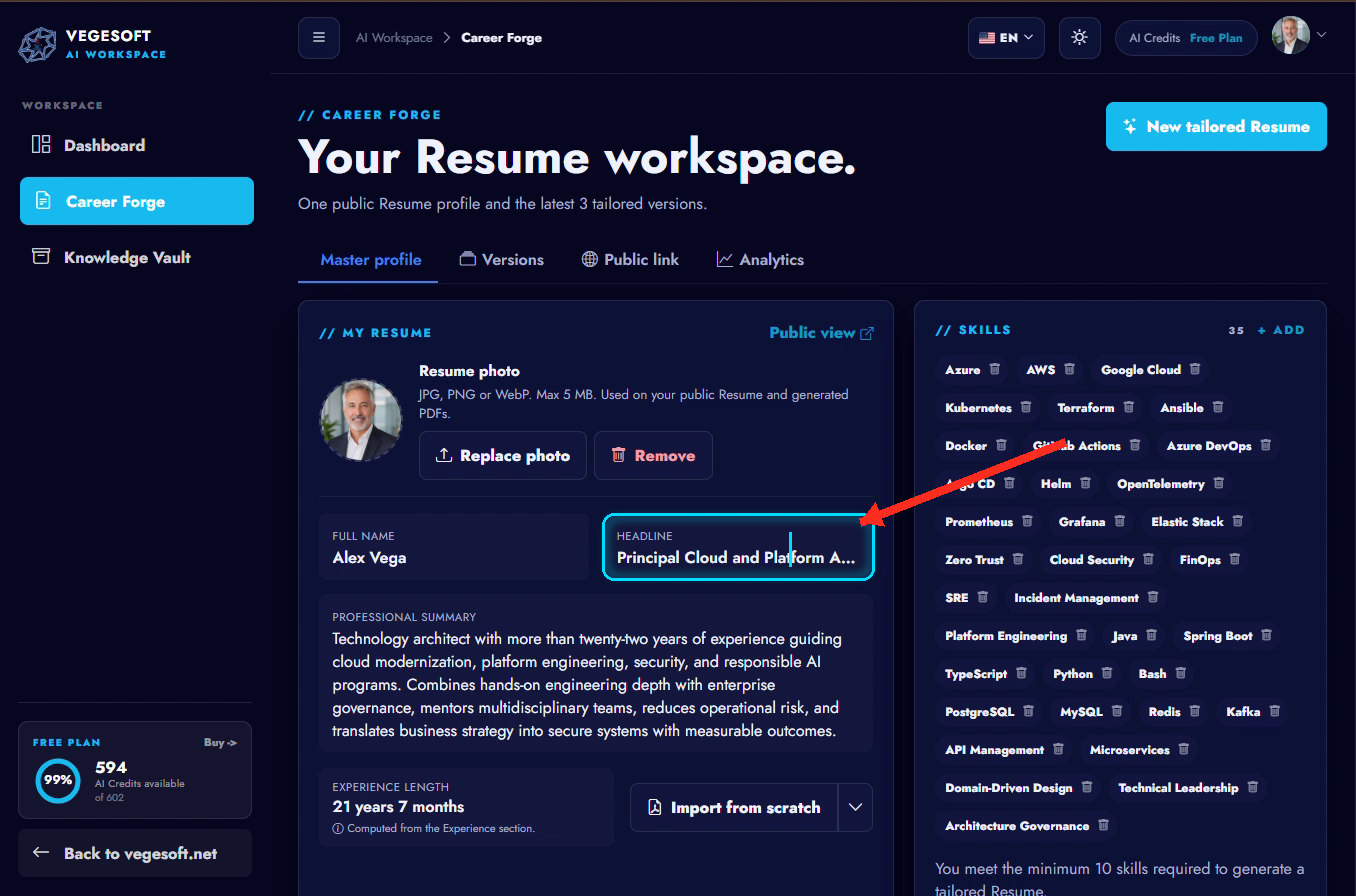
  • Import your resume as PDF and build your master profile
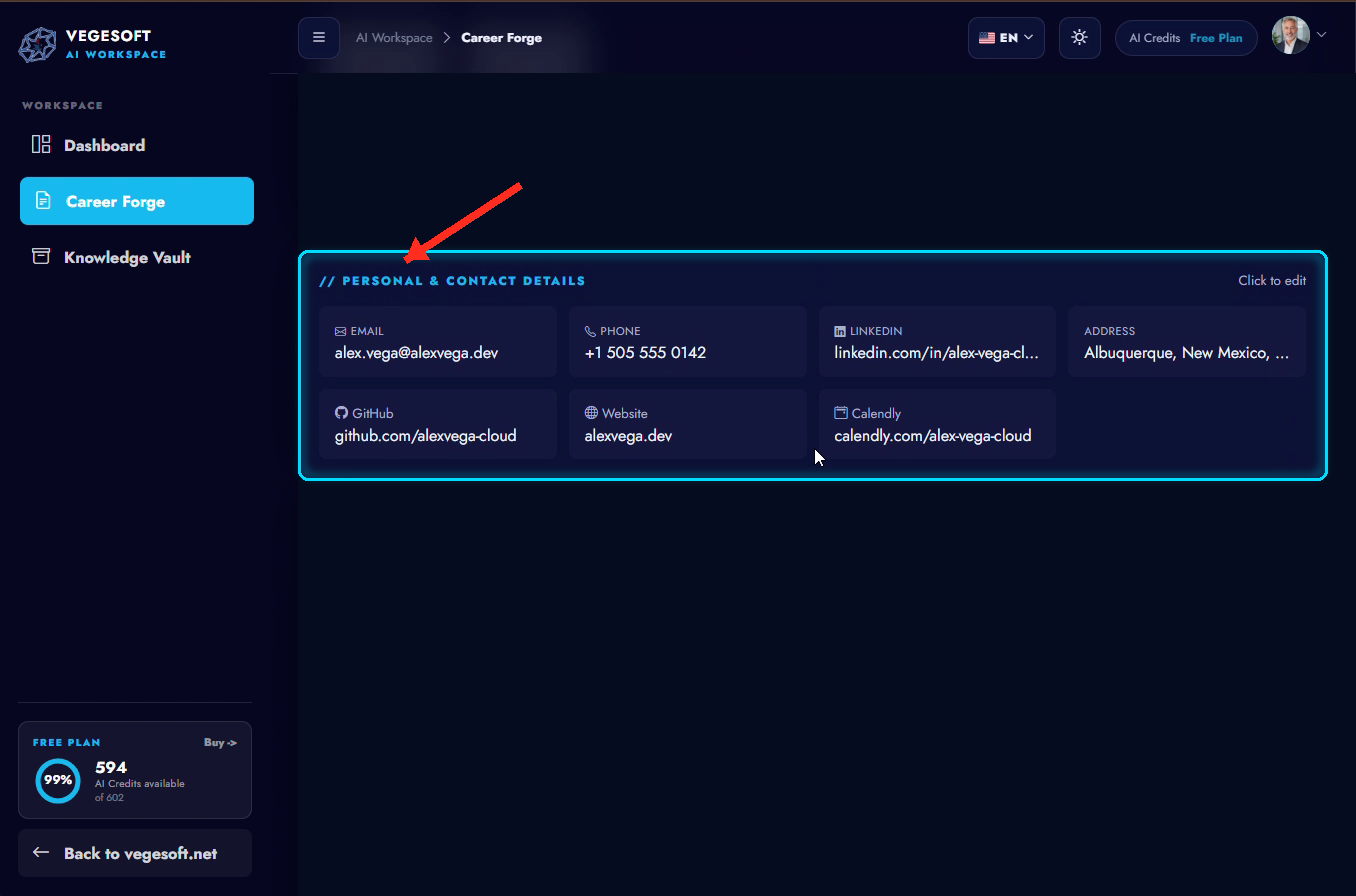
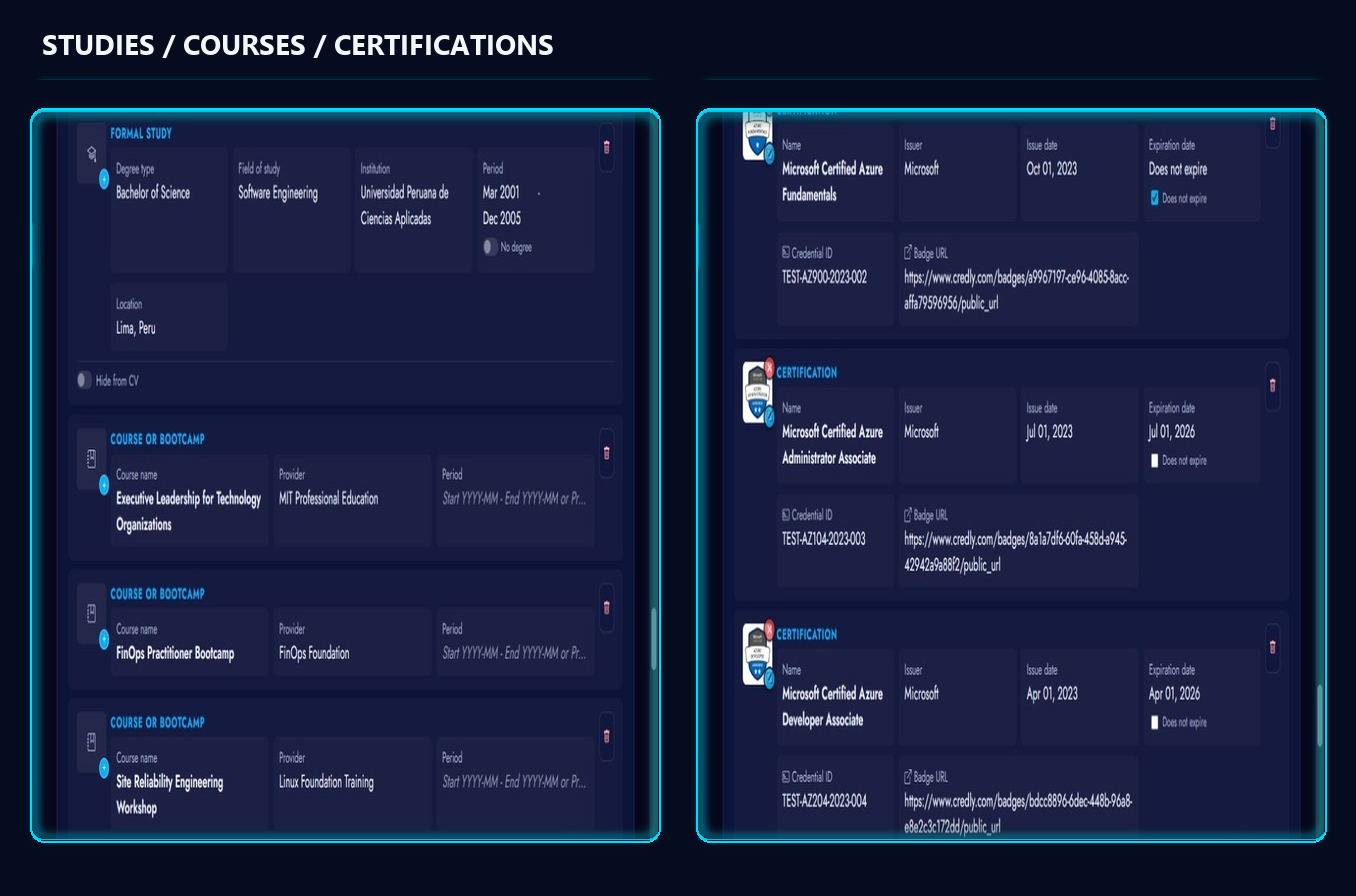
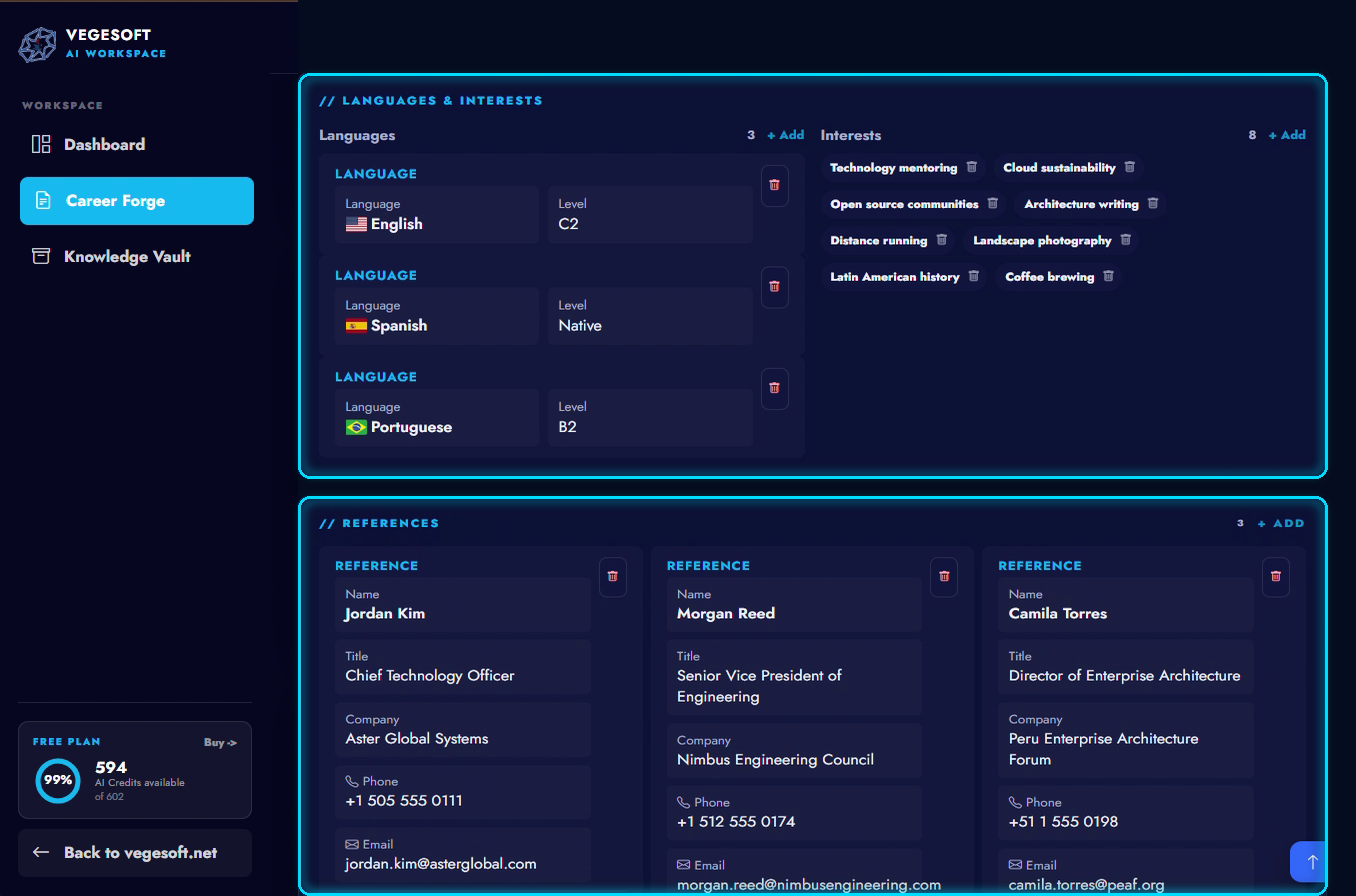
  • Organize experience, skills, education, certifications and languages
  • Edit and keep your master resume as the base

Focus it on the role

  • Paste the job description: text, link or readable screenshot
  • Generate a resume tailored to that opportunity
  • Choose the language and the number of pages

Organize your opportunities

  • Keep several versions organized by role
  • Preview and download the result as PDF
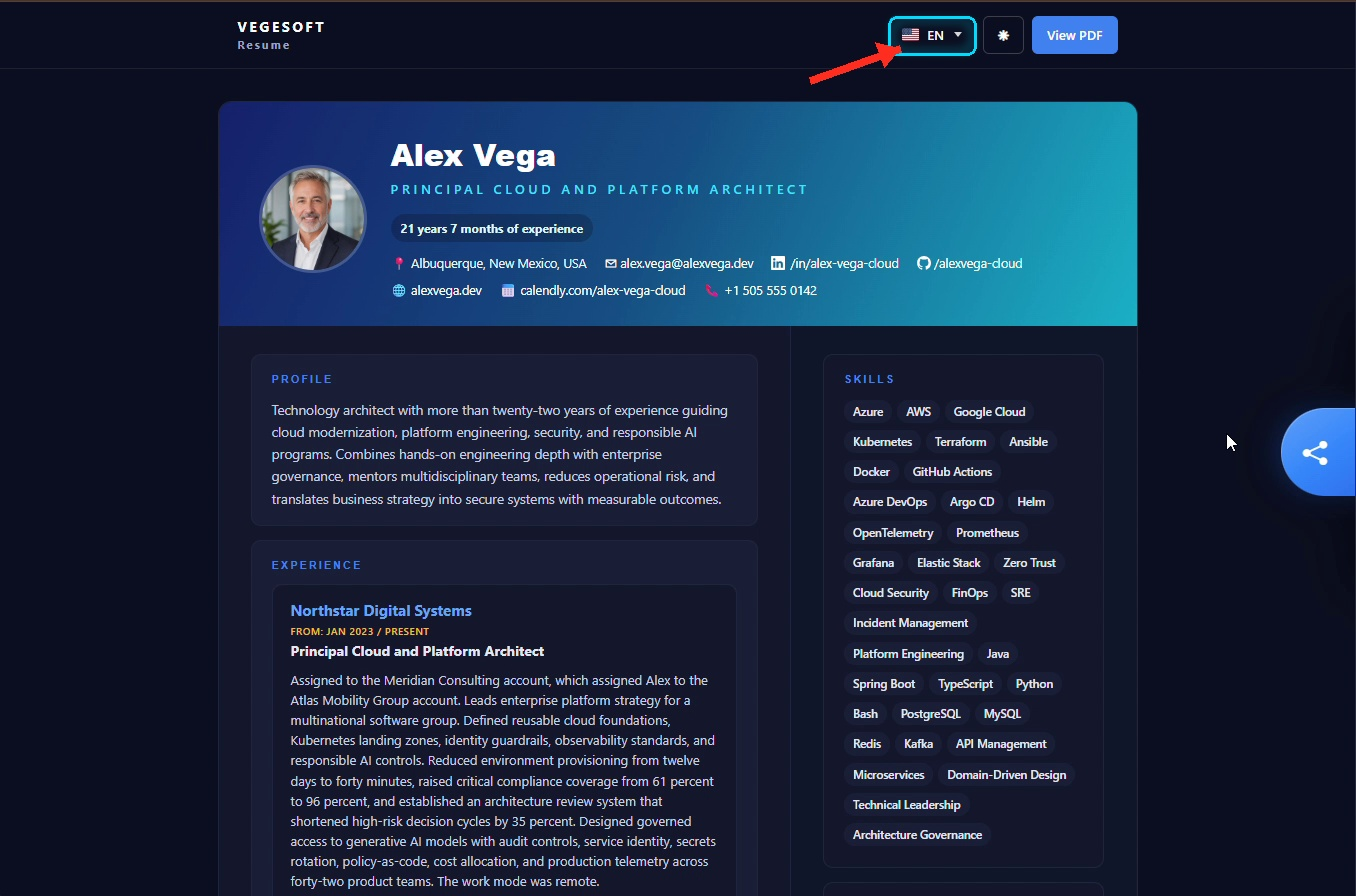
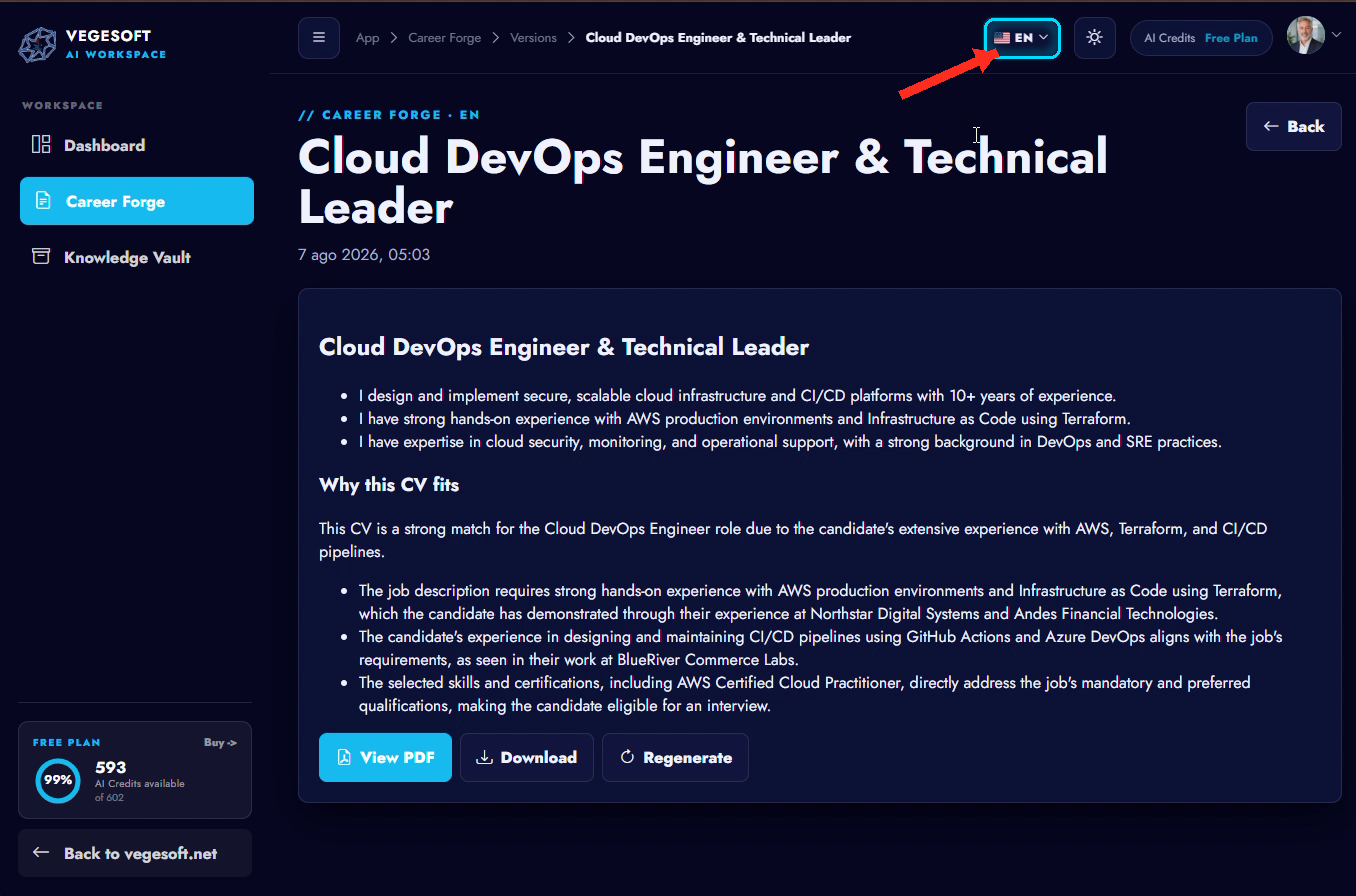
  • Work in Spanish and English
Also: An optional public professional link and analytics for that profile.
// Questions

Frequently asked questions

Do I need to start my resume from scratch?
No. You can import a resume PDF and Career Forge builds your master profile from it; then you edit it however you like.
Can I create a different version for each role?
Yes. You add the job description and generate a resume version focused on what that opportunity needs.
Can I keep different versions?
Yes. Every version you generate is saved and organized by opportunity, with a version history.
Can I work in Spanish and English?
Yes. Each resume has its own language: you can generate and keep versions in Spanish and English.
What happens to my master profile?
It stays as your base. Tailored versions start from it without altering it.
Can I review or download the result?
Yes. You preview the version and can download it as PDF; you also get an optional public professional link.
Career Forge

Create your next version with focus

Start from your real experience and let every opportunity get the resume it deserves.

Hi, what's your question?