← All products FOR SMALL BUSINESSES

Ten flyers ready?
Post them in turn.

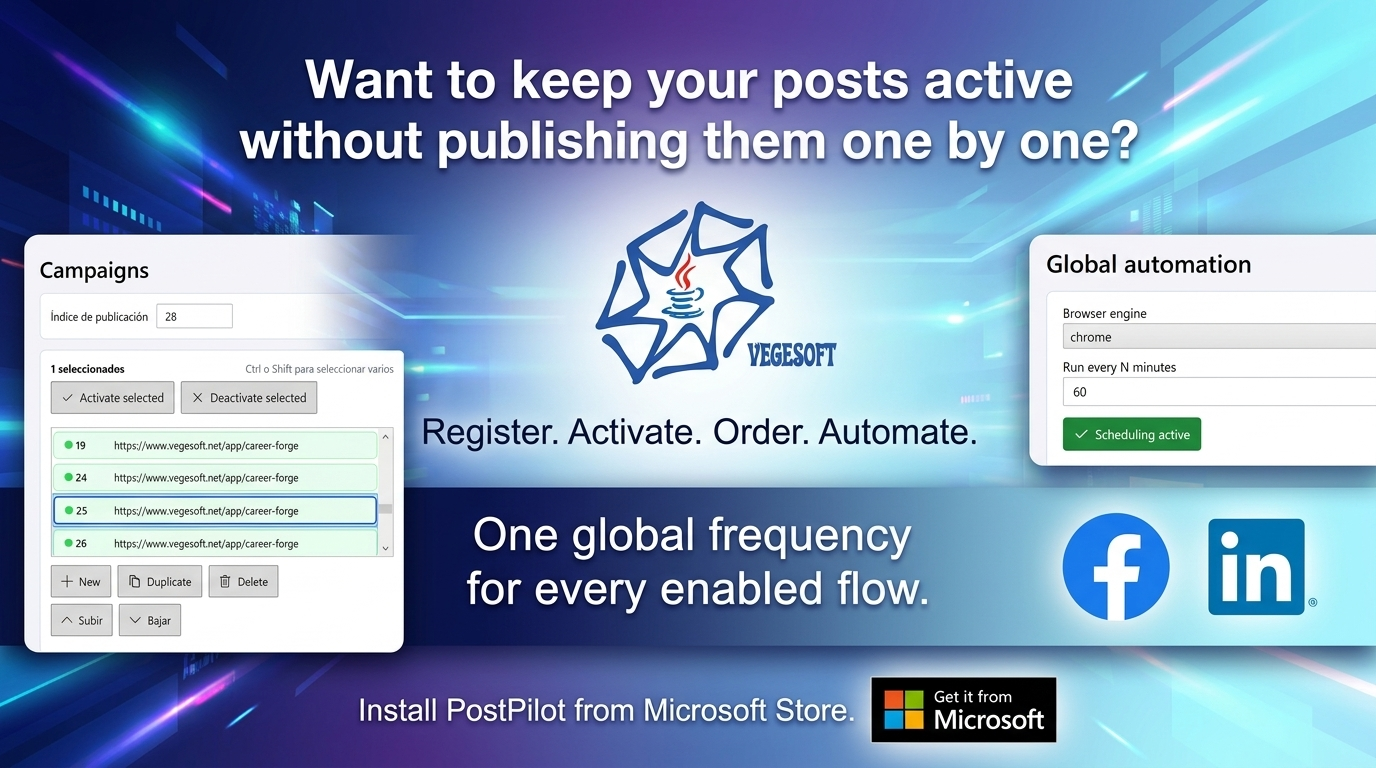
Put your designs in a list and choose the time between posts. Your computer posts them in turn, so you do not have to do it one by one.

An affordable app, made for your small business.

Download from Microsoft Store apps.microsoft.com/detail/9p1djq7n3rhc

LinkedIn Facebook Windows
An illustrative presenter introducing the application view
MEET YOUR NEXT TOOL
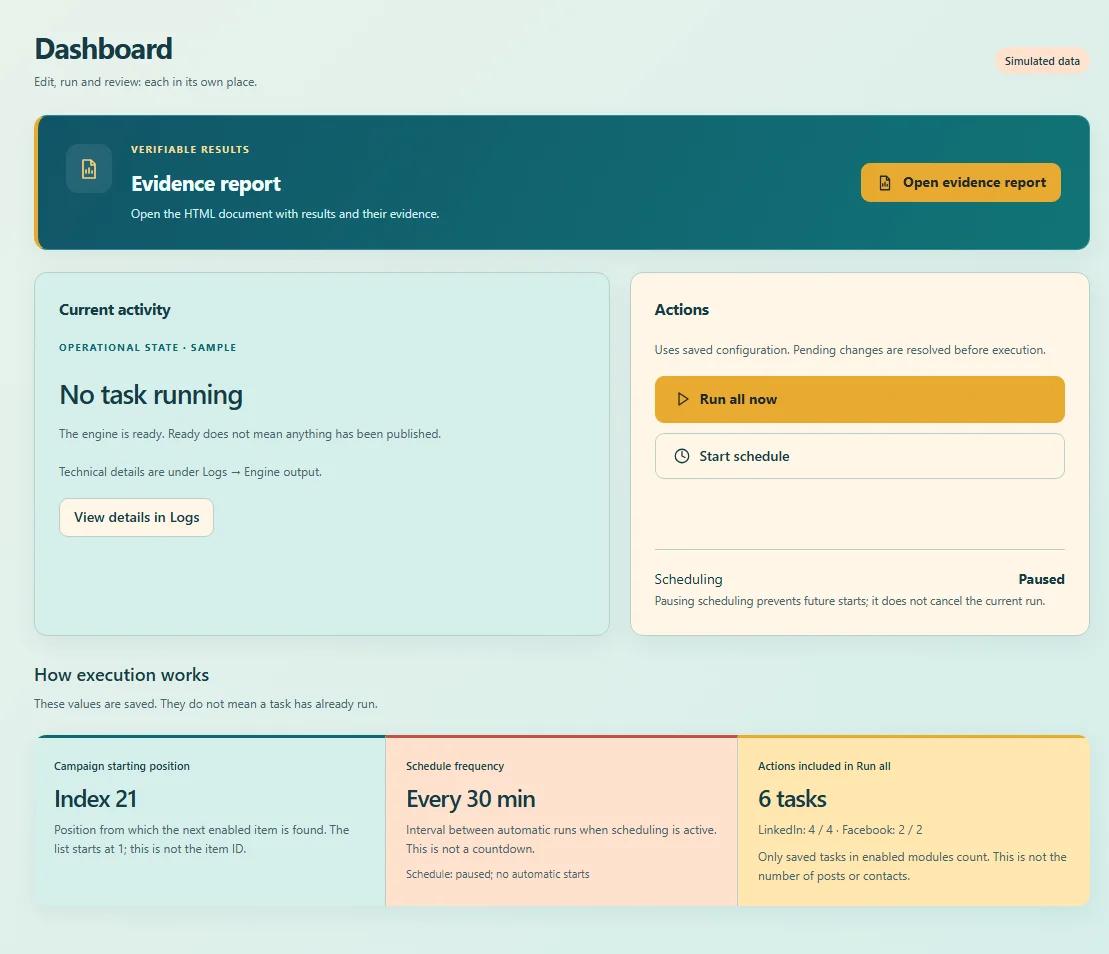
View of PostPilot Social Network · dashboard and scheduling
Your flyers,
one at a time.
LinkedIn Facebook Windows
YOUR DIGITAL FLYERS. YOUR SMALL BUSINESS.

Which one
sounds like you?

PostPilot Social Network is an affordable option for small business owners who already have their designs and want to stop posting them manually, one by one.

Do you manually post the same flyer on Facebook every day?

Save the post and schedule it to repeat. For a 24-hour interval, set 1440 minutes.

Want to repeat your LinkedIn post every six hours?

Prepare the text, image or link and set 360 minutes between starts.

Want to prepare a flyer so it posts every hour?

Set 60 minutes and enable scheduling on your computer.

Prepared everything and want it to go out gradually?

Save your posts in a list and choose the time between them.

Have several products but keep posting the same one?

Prepare a design for each product and put them in order to post in turn.

Runs on your Windows computer while it is on, connected to the internet and signed in to the social network.

02 / SEE WHAT YOU WILL INSTALL

See how
it works.

Explore the screens and discover how each part fits your work.

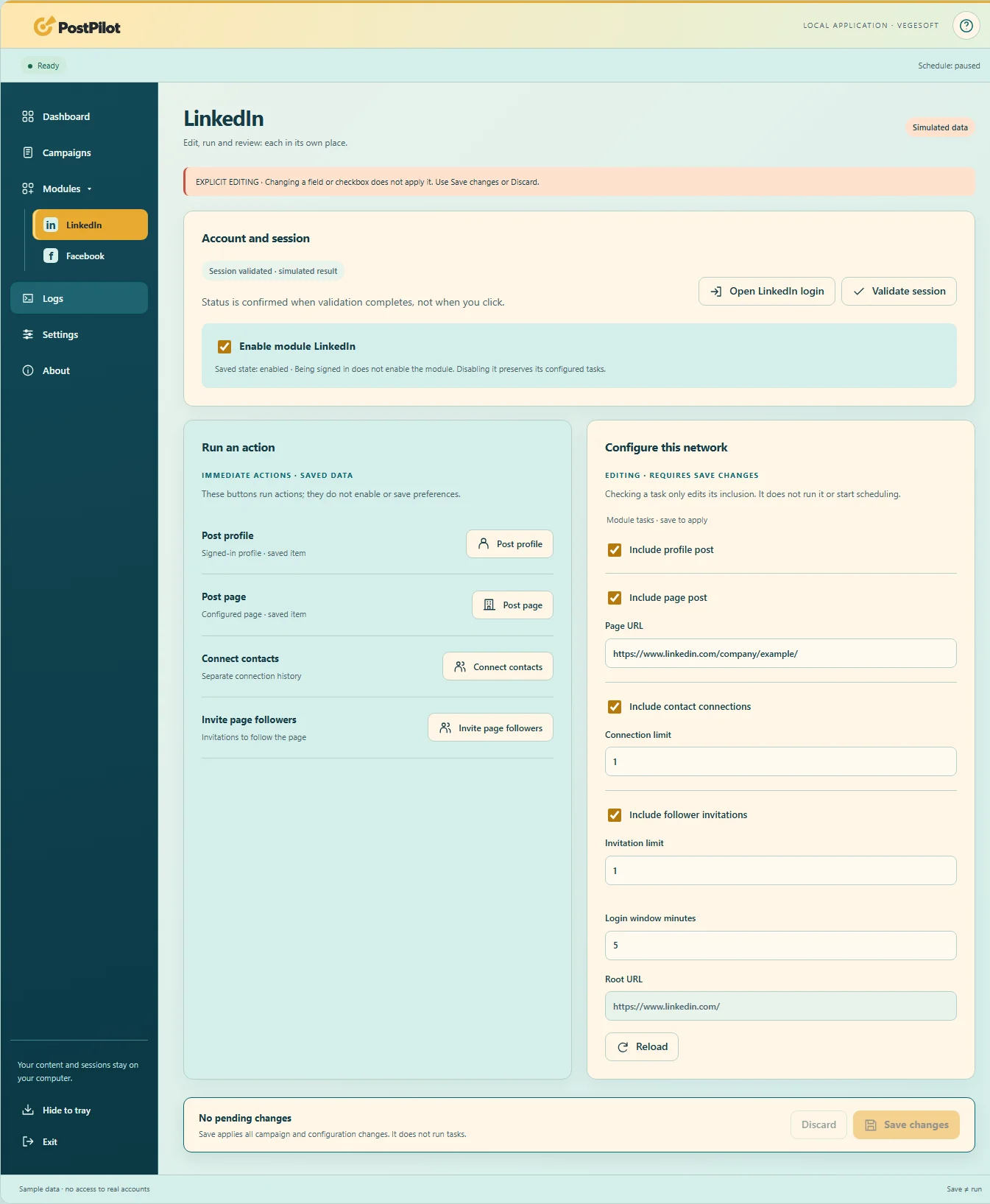
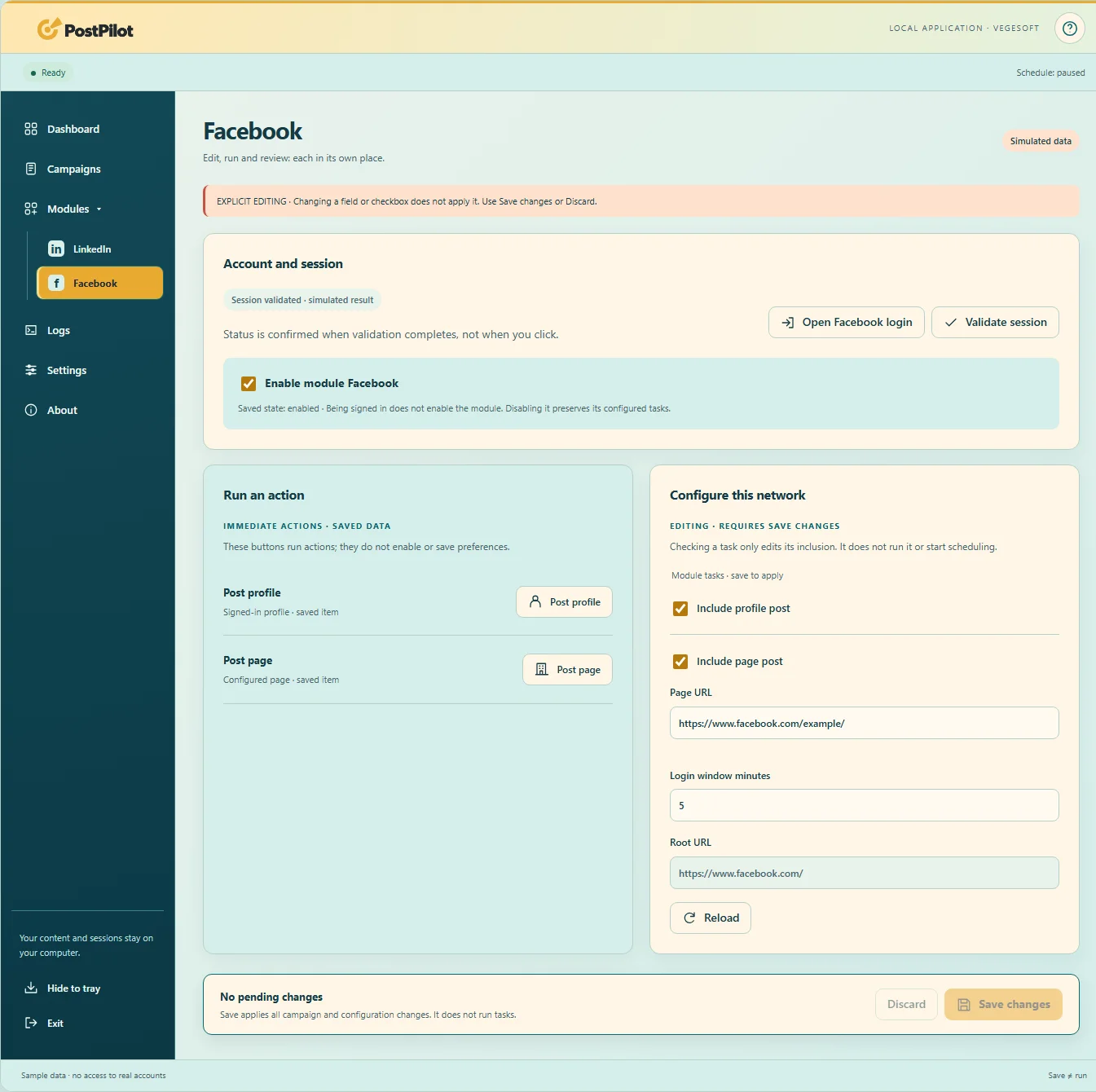
Application screenshot · sample data
01 / 07 · Dashboard

Choose how often to post.

Use the dashboard to enable or pause scheduling and check when the next run will start.

Download from Microsoft Store apps.microsoft.com/detail/9p1djq7n3rhc

ONE TOOL, THREE MOMENTS

See what
you can do.

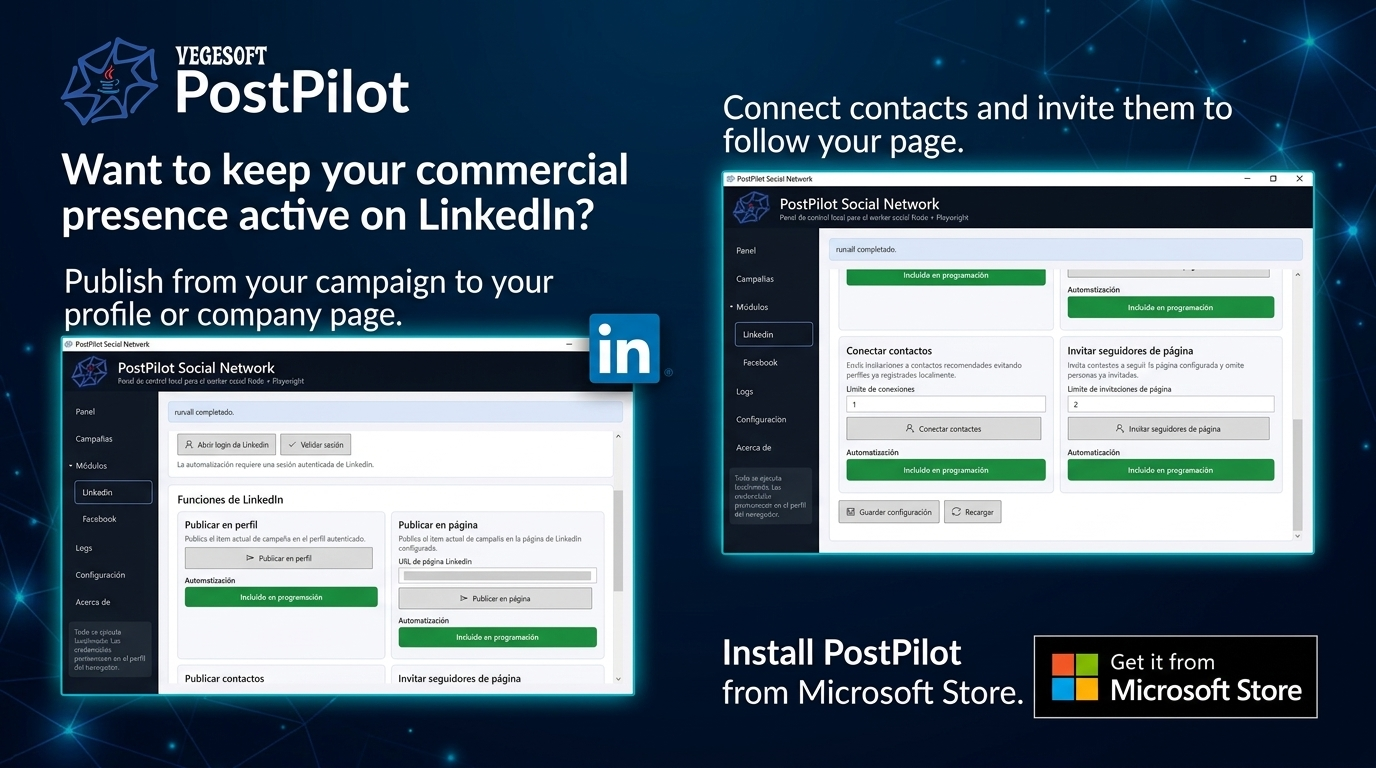
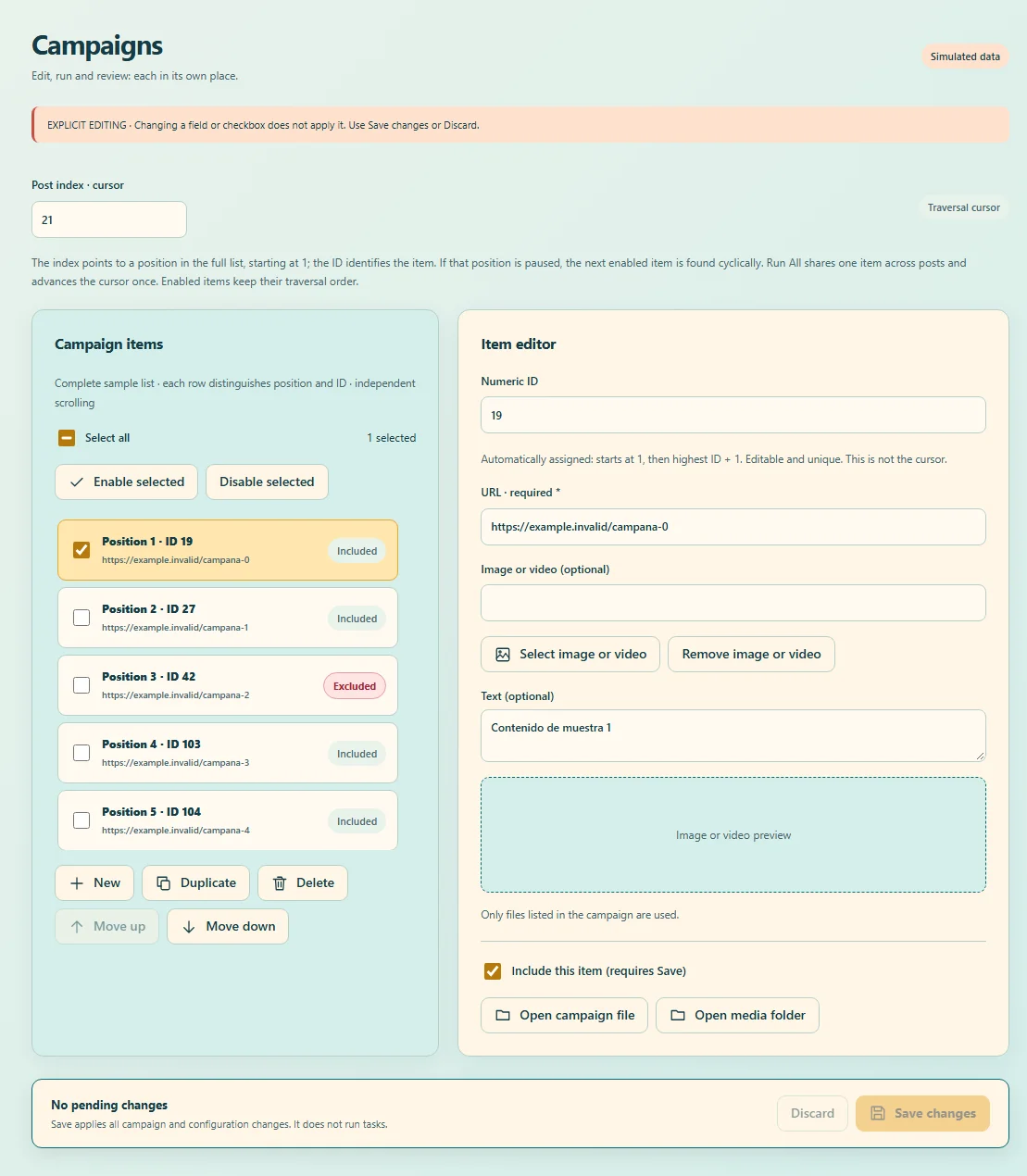
PostPilot Social Network · Prepare
01 / Prepare

Your flyer and its text.

Add the designs you already have and write your post. Save one or several in a list.

PostPilot Social Network · Schedule
02 / Schedule

How often should it post?

Choose the time between posts and enable scheduling. For example, 360 minutes is six hours.

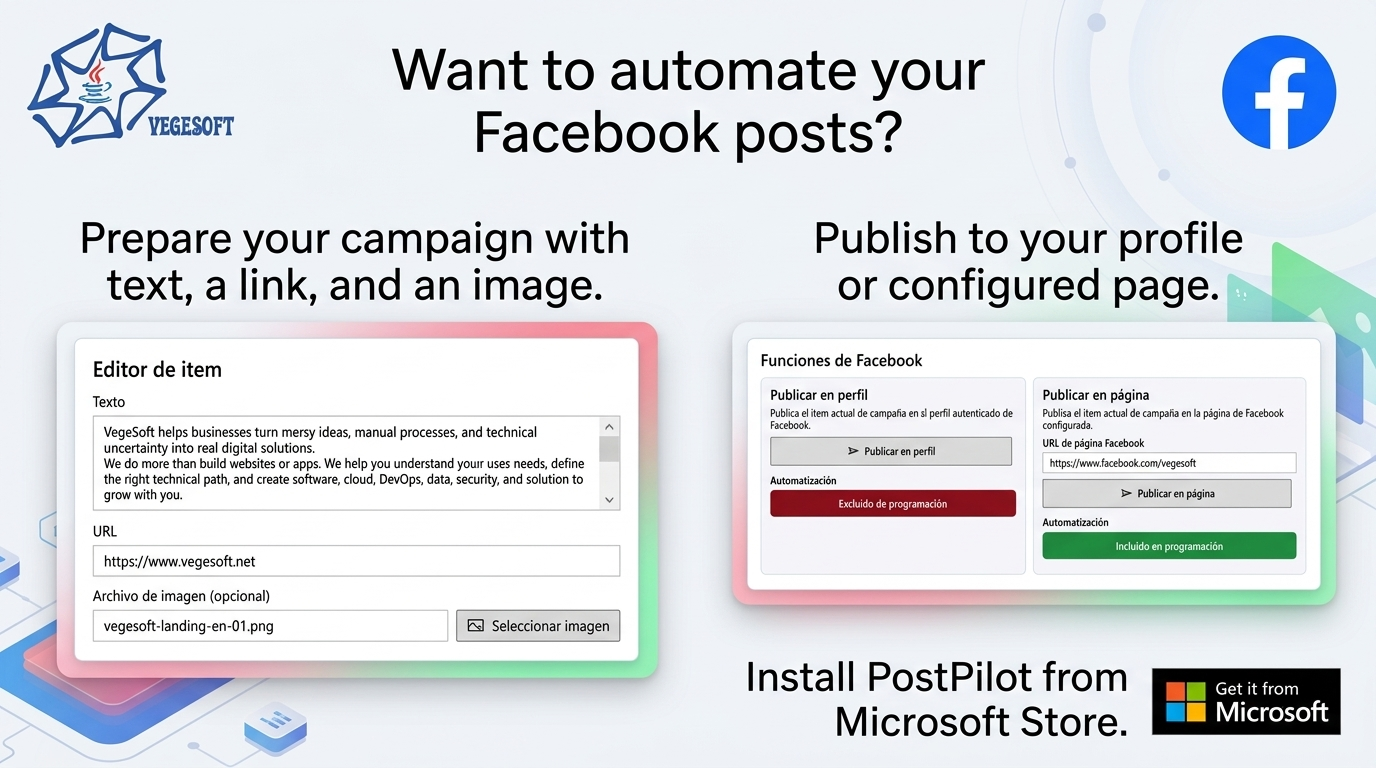
PostPilot Social Network · Post
03 / Post

Your computer does it for you.

Keep Windows running with internet and your social account signed in. You can watch the post in the browser.

FREQUENTLY ASKED QUESTIONS

What you need
to get started.

Where do I download it and check the price?
Download PostPilot Social Network from Microsoft Store. Check the current price and terms there.
Does my computer need to stay on?
Yes. The app runs on Windows and needs your computer on, internet and a valid Facebook or LinkedIn session. It does not post when your computer is off.
Will I see the post being made?
Yes. The app performs the actions in your computer’s browser. It is not a cloud posting service.
Do I need to know marketing?
Start with your flyer and the text you want to post. The tutorial shows you where to prepare a post and how to use the options.
How do I set six hours between posts?
The interval is set in minutes: six hours is 360 minutes and one hour is 60. Review your selected tasks before enabling scheduling.
Does the app make my designs or write for me?
The app automatically posts content you have already prepared. Add your own text, images or videos.
Does saving a post publish it immediately?
No. Saving keeps your changes. Start the post or enable scheduling to run it.
What happens if I pause scheduling?
New automatic starts are prevented. A task already running is not canceled.
How do I know whether it posted or had a problem?
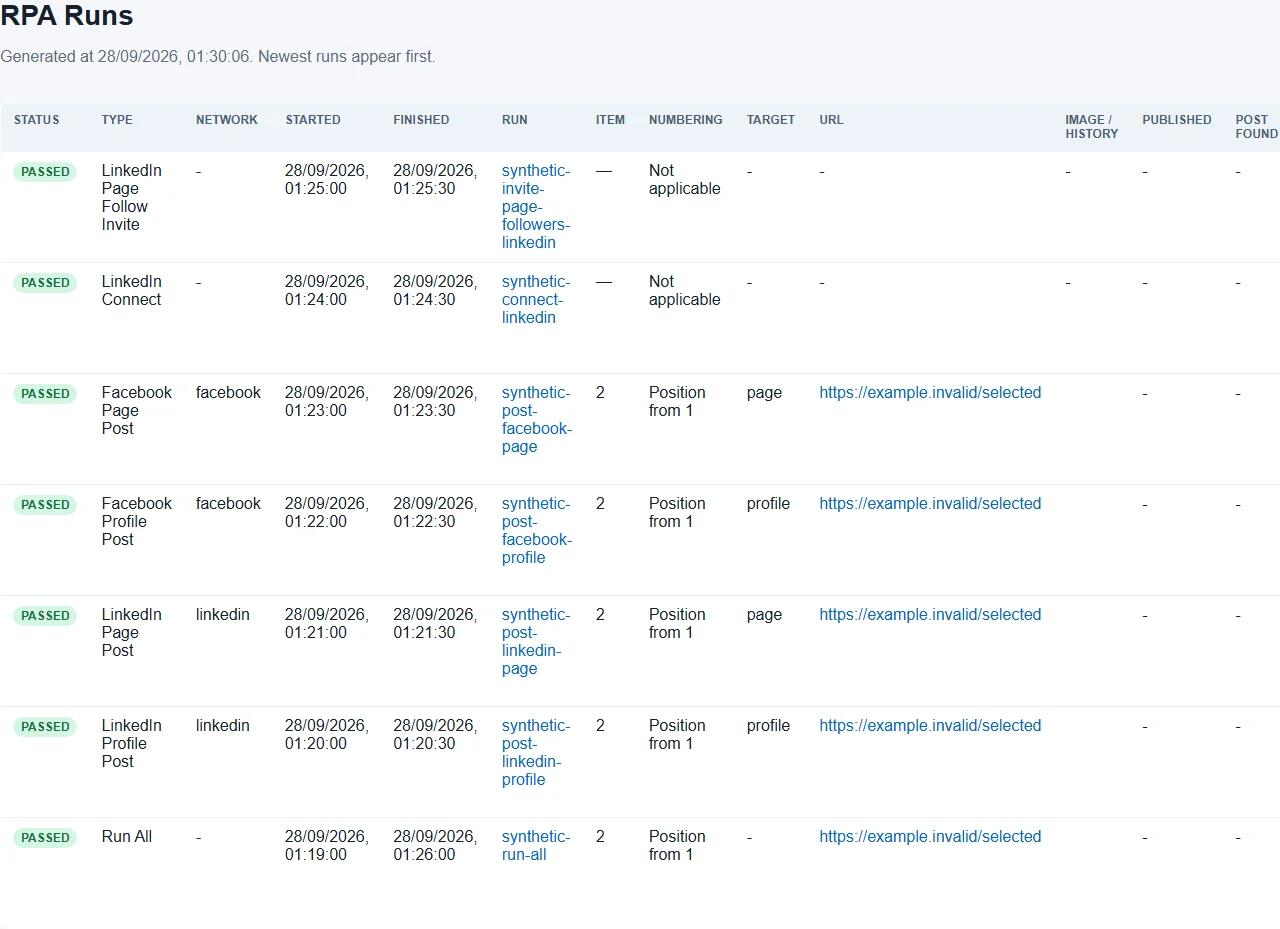
Check the result, messages and evidence report. A task being ready or started does not mean the post completed.
Can Facebook or LinkedIn apply restrictions?
Yes. Each network applies its own policies. We recommend starting with one hour between runs and reviewing notices; no interval guarantees avoiding limits or blocks. PostPilot Social Network does not control those decisions.
Why might only part of a task finish?
The report explains partial results. For example, LinkedIn may run out of page invitation credits or eligible people, or Facebook may show a temporary limit. Review the reason before continuing.
Is this the same as paying for an ad?
No. It automates your posts; it does not buy advertising or guarantee more reach or sales.
Can I back up my data?
The app can back up campaigns, images and compatible settings. Browser sessions are not included; validate them again after restoring.
YOUR NEXT TOOL

Flyers ready?
Give each a turn.

An affordable app to stop posting one by one. Install it on Windows from Microsoft Store.

Download from Microsoft Store apps.microsoft.com/detail/9p1djq7n3rhc ← Back to Products
Hi, what's your question?